Tag Archives: CW

Sights from the New England Tech Trek (NETT) at NEAR-Fest

We have been doing Amateur Radio open house activities as part of our High-Altitude Balloon projects and Kids Day for some time now. These events help young people to learn about and have fun with Amateur Radio and help us to create a STEM learning experience based upon Amateur Radio.
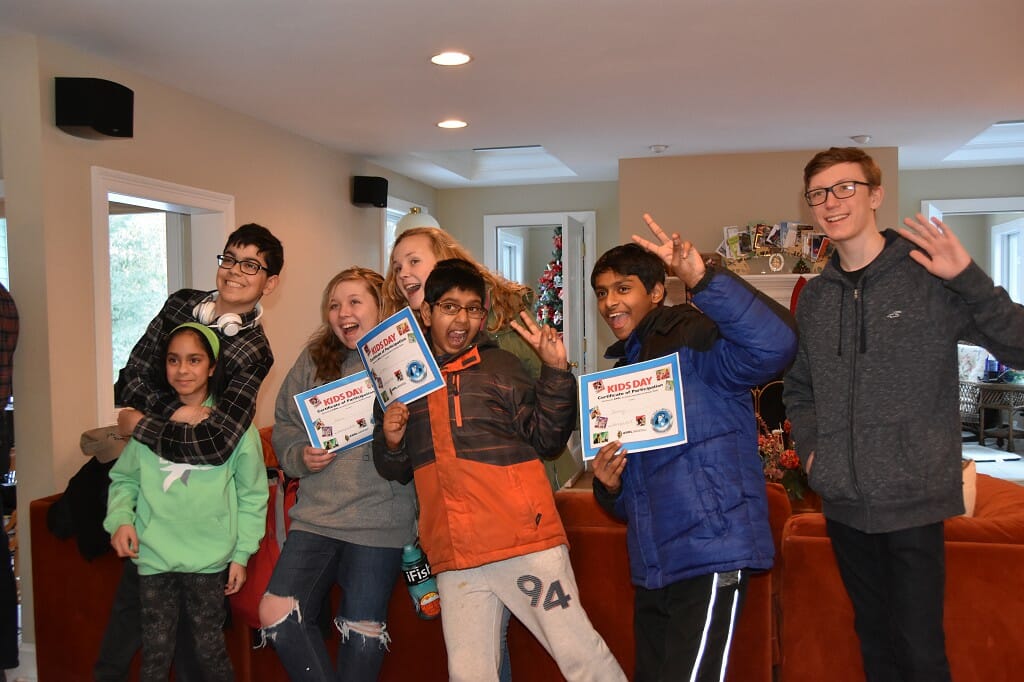
ARRL Kids Day 2018
ARRL Kids Day 2018

Earlier this year, we began working on a project to scale our open house activities up to become an activity that we could host at local Ham Fests. We wanted to expand the scope of this activity to appeal to young people and all Hams to provide an opportunity to learn about Amateur Radio and to showcase some of the modern, “high-tech” aspects of the Amateur Radio Service. This project was debuted at the NETT event at NEAR-Fest.
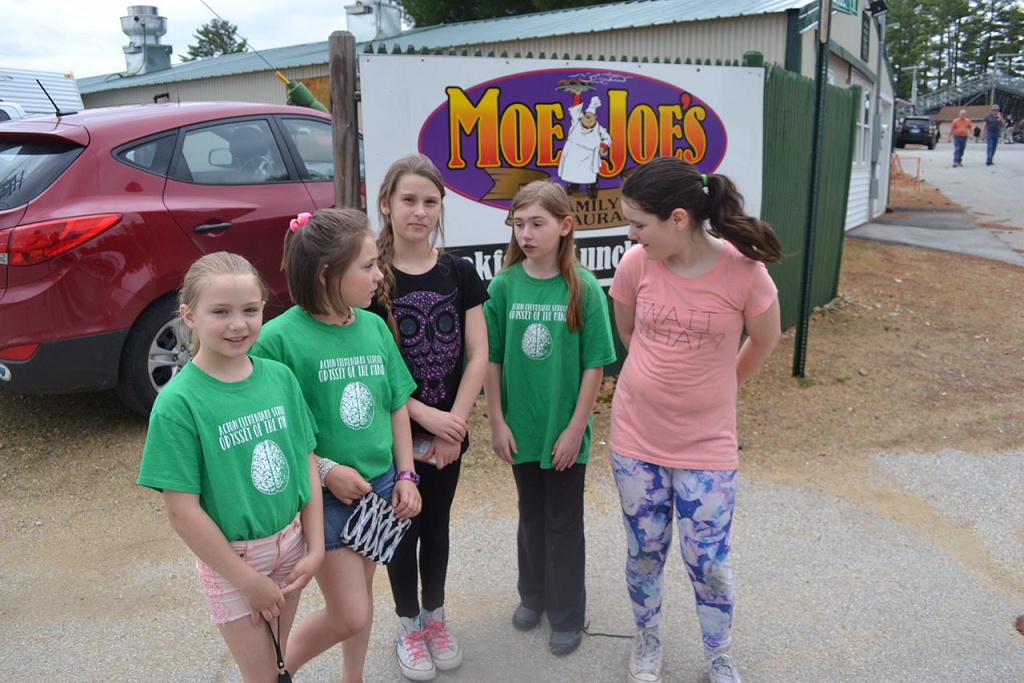
Young People at NETT

Concurrently, Bill Barber, NE1B who is a Nashua Area Radio Society (NARS) member began working on a youth outreach event for the NEAR-Fest event held in Deerfield, NH. We got together with Bill, the NEAR-Fest leadership, and others to create the New England Tech Trek (NETT) at NEAR-Fest. We held our first NETT event earlier this month.
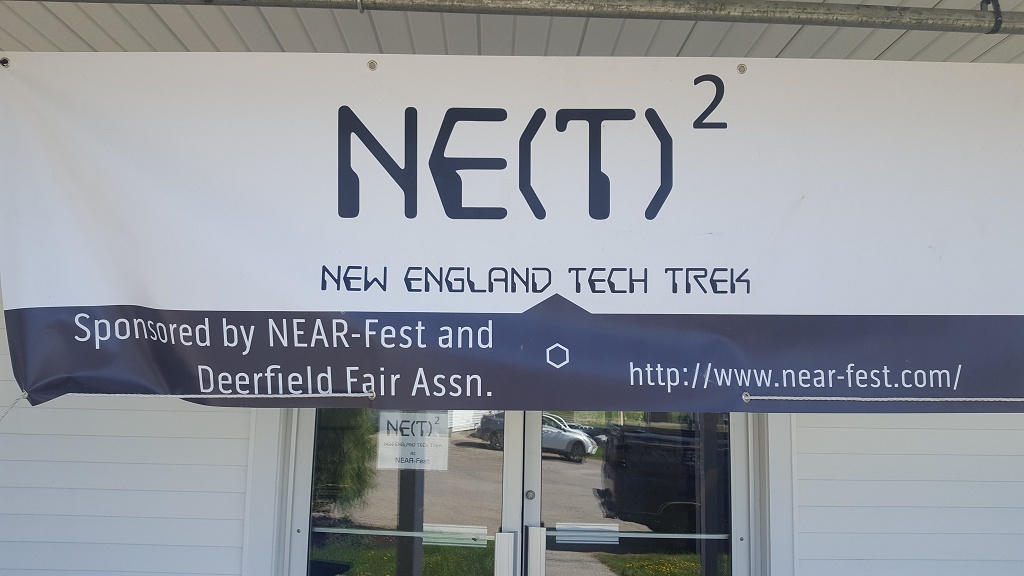
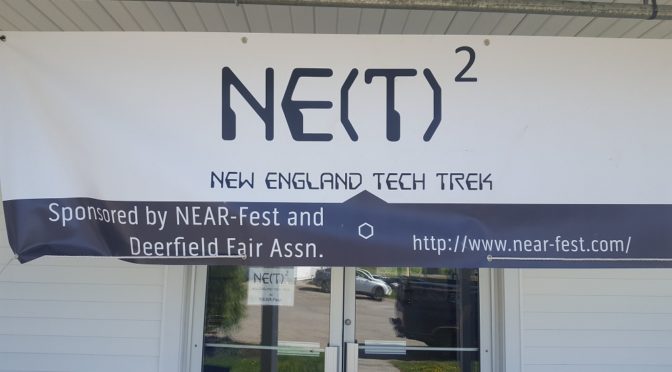
NETT Banner
NETT Banner at the Display Entrance

NARS contributed 10 displays to the initial NETT event including:

We were able to secure the N1T Special Event callsign for the event and we used it to make over 450 contacts on a combination of the four GOTA stations that we had at NETT. We should have our NETT Special Event QSL cards back from our printer shortly.

NETT: N1T QSL Card
NETT N1T QSL Card

Our GOTA Stations were among the most popular elements at NETT. Burns, WB1FJ ran our satellite GOTA station. He even managed to create a pileup or two as N1T on the birds!
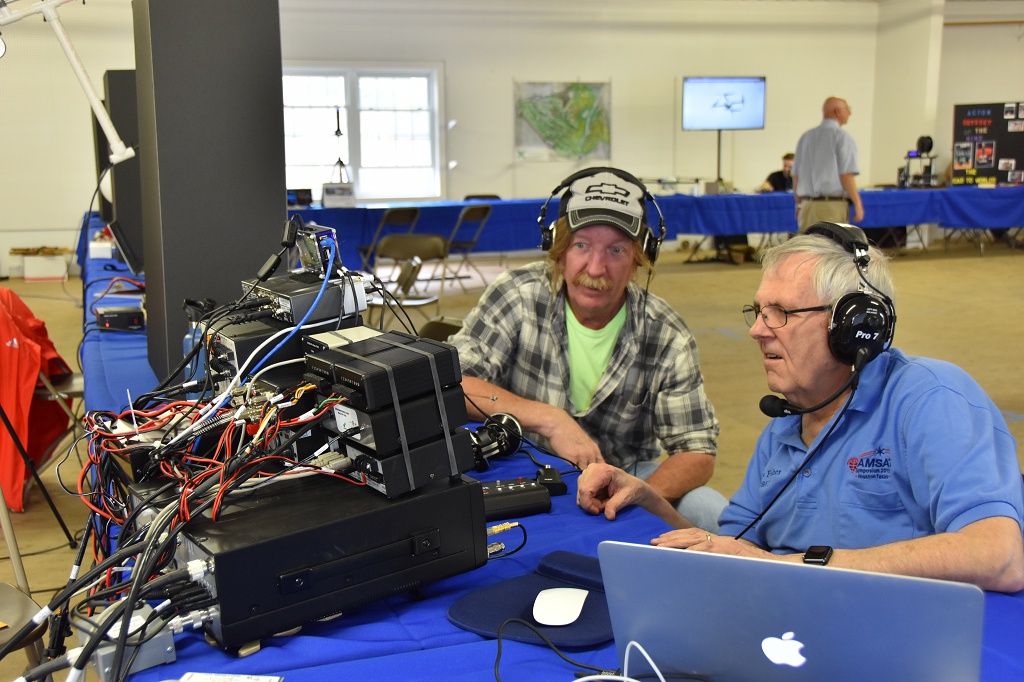
NETT: Satellite GOTA
Satellite GOTA

Quite a few folks made satellite contacts using N1T .  Also, the satellite station antennas which were located outside the display building were interesting to many folks.
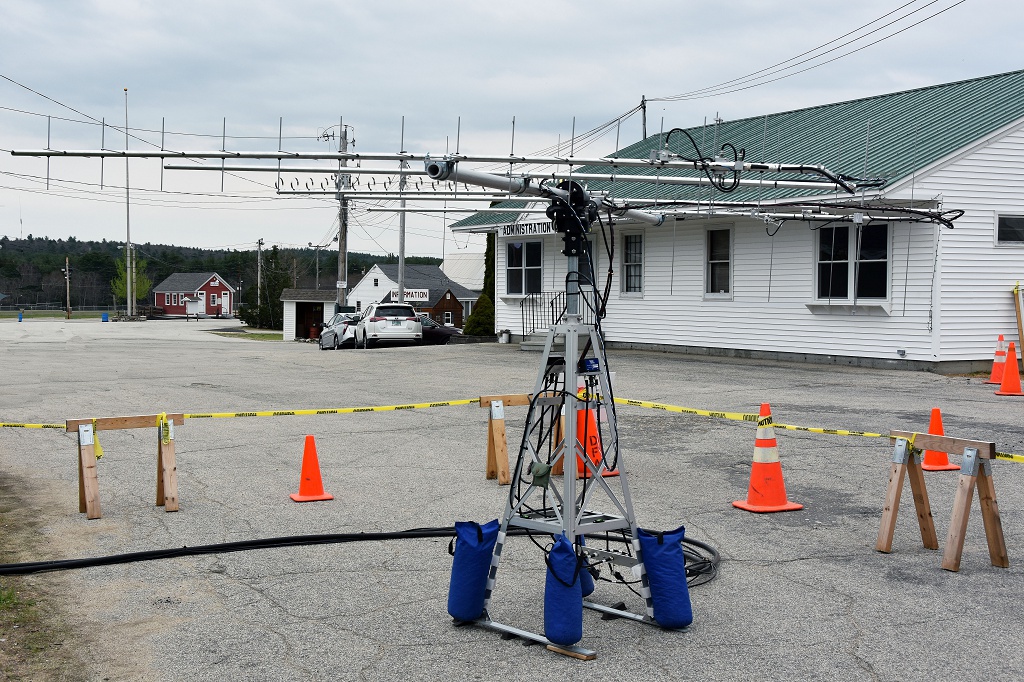
NETT: Satellite Antennas
Satellite Antennas

Our Remote HF GOTA Stations featured FlexRadio Maestros and a nice DXing and Station Building Display. Dave, K1DLM and myself, AB1OC made our stations available to support the two HF GOTA setups and NETT.
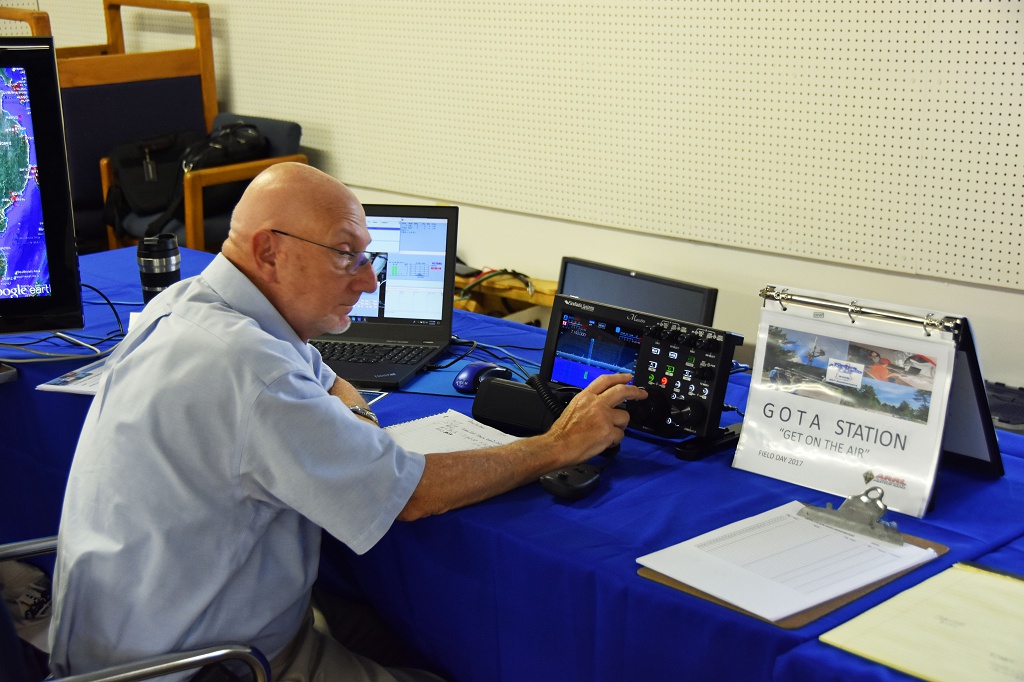
NETT: HF GOTA
HF GOTA

Ira, KC1EMJ helped several young folks to make their first HF contacts and Abby, AB1BY anchored our special event N1T station using the second setup.

NETT: N1T Special Event Station
N1T Special Event Station

The SDR-based remote stations and our Satellite GOTA helped us to demonstrate some of the “Hi-Tech” aspects of Amateur Radio to young people and to all Hams who attended NEAR-Fest. We live streamed our GOTA activities to Facebook so that the folks who worked us could see our operation in real-time.


Tony, KC1DXL hosted our display on High Altitude Balloons (HAB) carrying Amateur Radio. The HAB display got lots of interest from the folks who attended NETT.
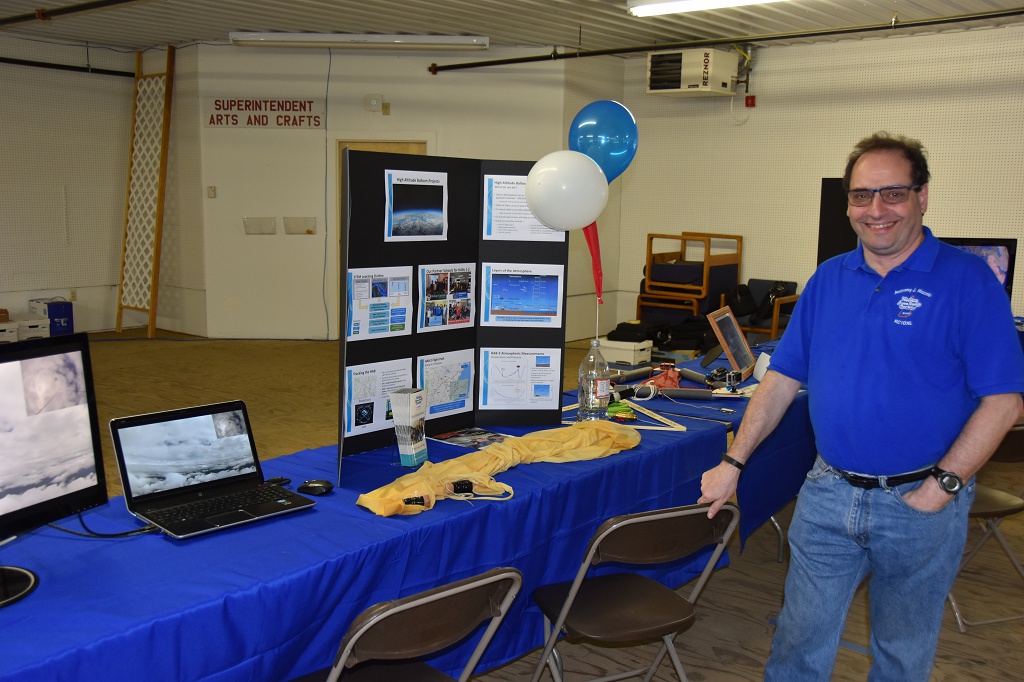
NETT: High Altitude Balloon Display
High Altitude Balloon Display

Jamey, AC1DC and Connor, KC1GGX put together our displays on Fox Hunting, Morse Code, and portable operating. Their displays provided a great introduction to these activities.
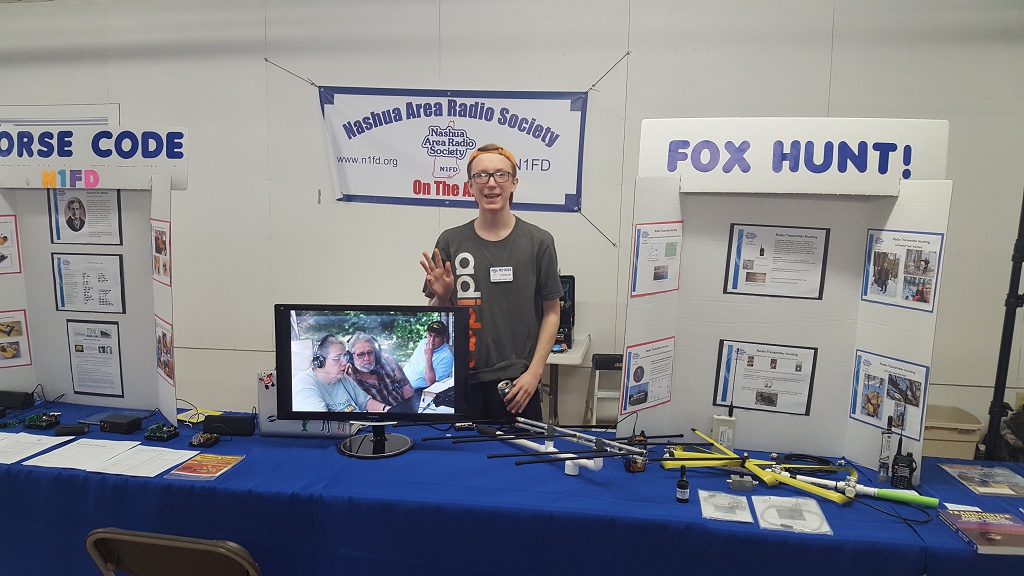
NETT: Fox Hunting Display
Fox Hunting Display

Anita, AB1QB and Tom, AB1NS created a nice display on kit building and Raspberry Pi projects in Amateur Radio. This display was a popular one as well.

NETT: Kits and Computers Display
Kits and Computers Display

Bill, NE1B also engaged several other groups who provided displays at NETT. The Robotics and Drone  were among other popular displays.
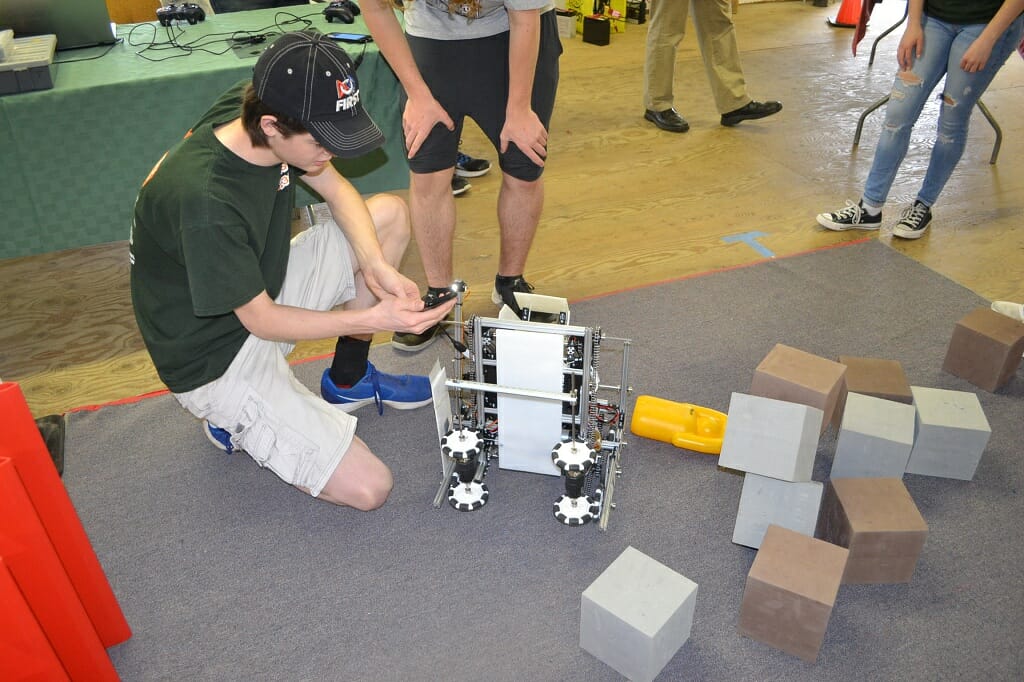
NETT: Robots 1
Robots Display at NETT

The following photo archive contains some pictures from the event. There are many good memories there.

Many, many members of NARS contributed a great deal of time and energy to making this project a success and I’d like to thank everyone who helped us!! I’d especially like to thank Hamilton, K1HMS,  Mike, K1WVO, Craig, N1SFT, Charlie, AB1ZN, Bob, W1OLD, and Dave, K1DLM for their help with this event.  Without everyone’s support, the NETT event and our presence there would not have been possible. We are looking forward to replicating the most popular elements from our  displays at out Ham Fest events going forward.

Fred, AB1OC
CW going Viral

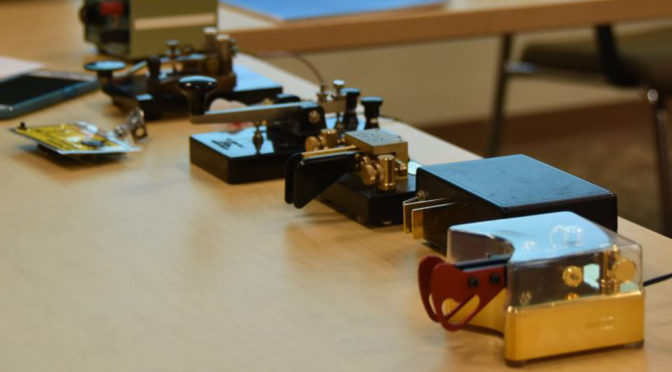
Haptic sensors (touch and feel) related to smartphones and tablets for gamers and those with sight or hearing issues have been a topic for years. Within the last year trade and scientific journals published by Google, Psychology Today and others have been reporting studies that show haptic devices can improve learning. The haptic sensor in the form of a tap to remote parts of the body (not fingers) has been used to learn typing, piano, and even CW.

While interesting from a psychology perspective a recent article suggested where this might be headed. Imagine the utility of being able to “text” by tapping a message on an Apple watch or read your SMS messages via a tapping that only you can feel?  The teacher, boss, or spouse would not suspect a thing.

If this goes viral there will no longer be a shortage of CW ops. Every child will be proficient by the age of  10…

Here is a link to a related article; https://www.scientificamerican.com/article/how-to-learn-morse-code-mdash-semiconsciously/

Hamilton, K1HMS

A Block Diagram for the LNR Precision MTR3b

When I was a young child, there was nothing more dangerous in the house than me and a screwdriver. I took everything apart. Nothing was safe. I wanted—no needed—to see the insides of things, and see how they worked. At some point, learning how to put things back together was the only thing that kept me from a seriously sore backside. Still, every bit of it was worth it, and I have retained that kind of curiosity throughout my life and my career. 

Things are a little easier today. You can understand a lot from just looking at the drawings for a device. One of the things I enjoy doing is looking over radio schematics and trying to understand how they work, and the choices that the designers made. In this article, I’d like to do that for the three-band Mountain Toper MTR3b, a radio designed by Steve Weber (KD1JV) and sold by LNR Precision.

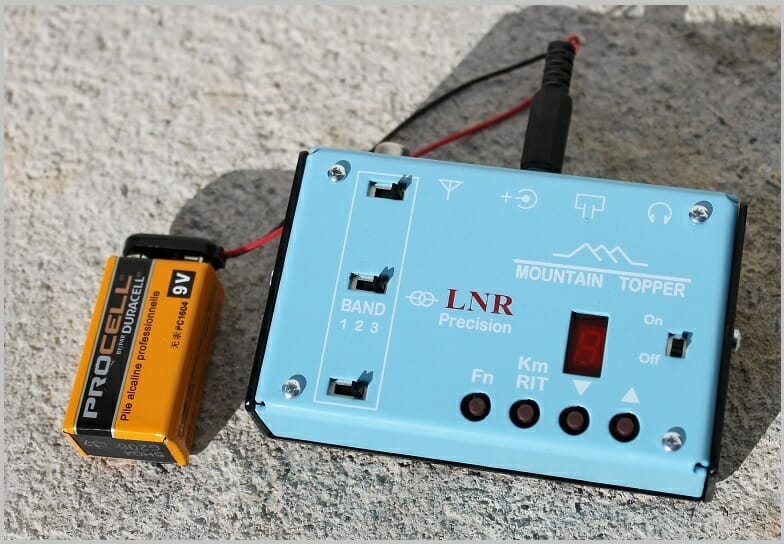
The MTR3b is a CW-only, 3-band (20/30/40) radio that can fit in the palm of your hand. The photograph of the radio with an accompanying 9-volt battery gives you some idea of its size, though you don’t truly grasp the compactness of the unit until you hold it in your hand. The 9-volt battery is not just a prop for the photograph. The radio can be powered by a single such battery, though it works better with something a little larger. I use a compact 11.1-volt LiPO battery packs made popular by drone users.

I’m not going to provide a detailed review of the user interface (just 3 slide switches, four buttons, and a single 7-segment LED), or go through its on-air performance. There have been several excellent reviews for this radio in QST and other places. Instead, I’d like to take it apart for you. Well, not exactly disassemble it as much as analyze the schematic and see how Steve Weber made it work.

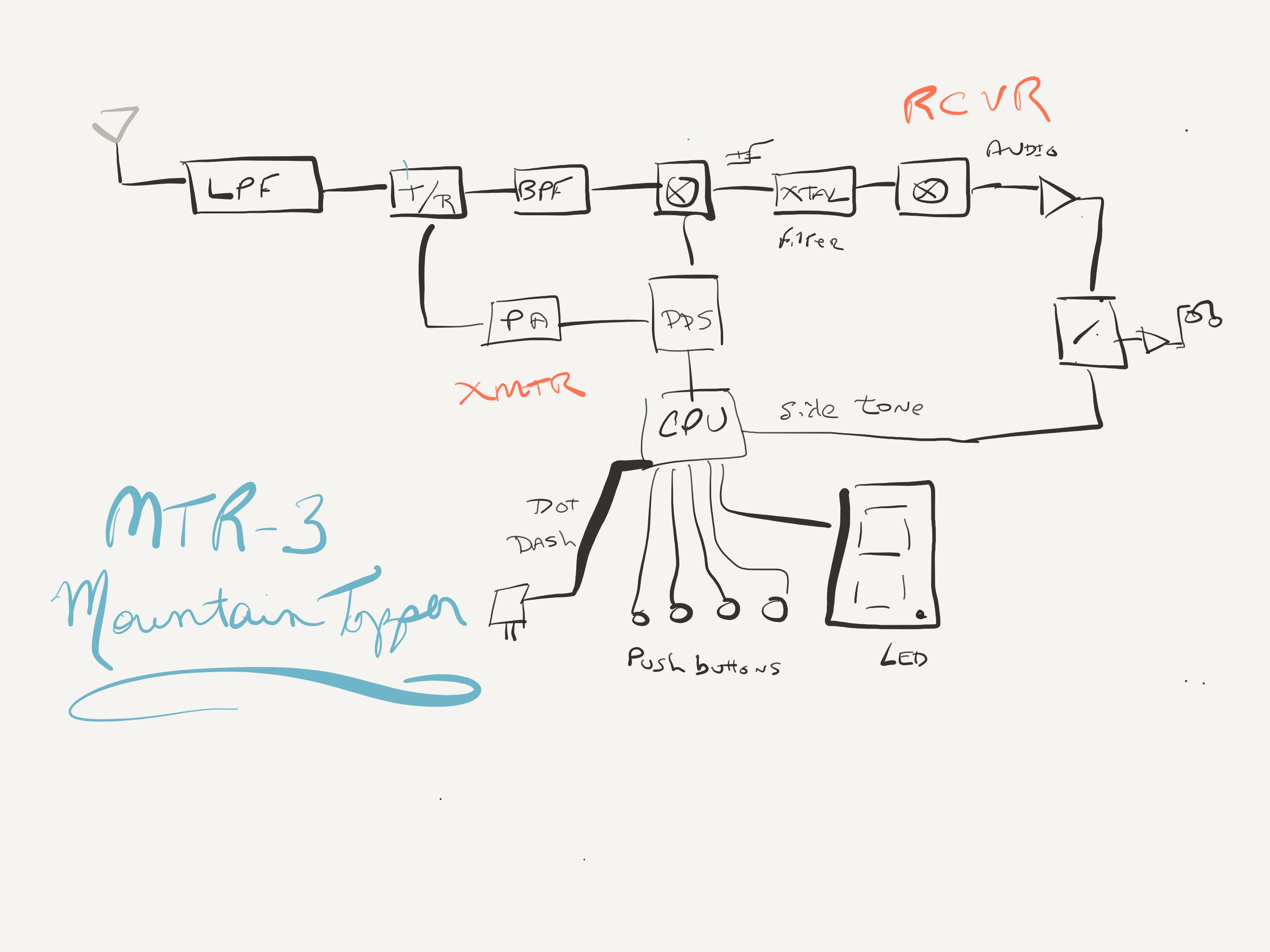
I was lucky enough to have a fellow named Mr. Davis for my high school physics instructor. He said many wise things (that I only understood long after high school, alas), but one that stuck immediately was his adage, “If you can’t draw the picture, you don’t understand the problem.” How very true! So, I often made models and block diagrams of things to better understand them. These models don’t need to be exact. In the words of George Box, “All models are wrong, but some are useful.” A block diagram of the insides of a transceiver can be useful. Here’s the diagram for the MTR3b I sketched on my iPad Pro tablet a few evenings ago.

Let’s walk through it. The antenna is on the far left. The antenna connects to the radio and is presented to a low-pass filter (LPF). As it turns out, each band requires its own special LPF so there are slide switches on the front of the radio to switch-in the correct filter. Switch position 1 is for 20m, switch position 2 is for 30m, and switch position 3 is for 40m. The way the radio is designed, as we will see, it is important that all three switches be in the same relative position for the radio to operate properly. 

The next thing in line as we walk towards the receiver is a transmit-receive (T/R) switch. When we transmit, the signal path is cut off from the receiver and the transmitted signal only goes to the antenna. When we are receiving, the signal path is routed to the receiver, pictured along the top of the diagram.

After we pass the T/R we have a band-pass filter (BPF), also selected by one of the slide switches, that rejects out-of-band signals. This is the lead-in to the first mixer that generates the intermediate frequency.

We should take a quick detour for a moment and review what a “mixer” does. A mixer is an electronic device that takes two signals in and yields four signals out. It sounds complicated, but it really isn’t. Say we have two signals of frequency A and B. The mixer will output those same frequencies A and B (not very interesting), and two other signals: A-B and A+B. These signals are interesting. 

Superheterodyne receivers like this one mix the received signal with one from the radio (tied to the main tuning system) to produce an intermediate frequency that can then be further processed. By turning the original signal received from the antenna into this intermediate frequency, we can have a system common to all three bands 20m/30m/40m in the rest of the receiver. This common system works because it only has to deal with signals at this selected intermediate frequency. The intermediate frequency selected by Steve Weber for this design is about 4.1 MHz.

After we mix the signal with the first mixer (illustrated as a circle with an X in it), we pass the resulting signals through a crystal filter that allows only the 4.1 MHz-related frequencies through it. This is the A-B output from the mixer. The other products are discarded. Once through the crystal filter, we now have a nice signal from our selected frequency, but it is in the 4.1 MHz range. We need a subsequent step to bring it down to the audio frequency range.

The product detector that produces the audio frequency range signal from the 4.1 MHz intermediate frequency is obtained by passing the signal through a second mixer. When we’re through here, we have something our ears can hear. All that is left is to bring that audio signal through a few amplification stages, and send it to the headphones. This radio is so simple that it doesn’t even have a volume control! 

Just before the headphones is a multiplexor that allows audio to be selected from either the receiver (as we’ve just done above), or from the sidetone generated when we send Morse code. The CPU generates the sidetone signal and controls the multiplexor. This is the whole receiver.

The transmitter is even more simple. The Texas Instruments extremely-low-power CPU watches the paddles, slide switches, and push buttons, and controls the 7-segment LED display. When dot or dash paddles are pressed, it signals to the DDS (Direct Digital Synthesis) frequency generator to output a signal. (The DDS is also used to select the receive frequency.) The output signal is sent through a few amplification stages, the T/R switch is changed to transmit, and the amplified signal is sent to the antenna.

I was able to get all this just by perusing the schematic included at the rear of the MTR3b manual. You can download the manual for free from the LNR precision website and follow along from the block diagram I’ve provided.

Every time I do this for a radio I feel like I’ve learned something new. It is also gratifying to use a radio that you understand, and know how it works under the hood. 

http://www.lnrprecision.com

Scott, NE1RD

Radio Amateurs Developing Skills Worldwide