Category Archives: Newsletter

Nashua Area Radio Society Newsletter Articles. You can find an archive of our Newsletters on our website.

One Radio, Two Shacks

One Radio, Two Shacks

My wife and I have two houses, one in MA and the other in NH.  I can afford to have an antenna set up at each location but duplicating the radio and amplifier is more expensive.  The point of the article is to describe how I transport the interior of my shack from one QTH to another.  As a new ham, I focused on building a shack in my primary QTH in MA.  Additionally, I wanted to be able to operate from our second home in NH. My solution was to put some effort into putting up a good antenna there and I would just bring my “rig” up to NH when we went there.  I could have set up remote access from the NH QTH to my MA QTH, but there was something about the property that made me want to have an antenna up there.

Advantages of operating from two locations

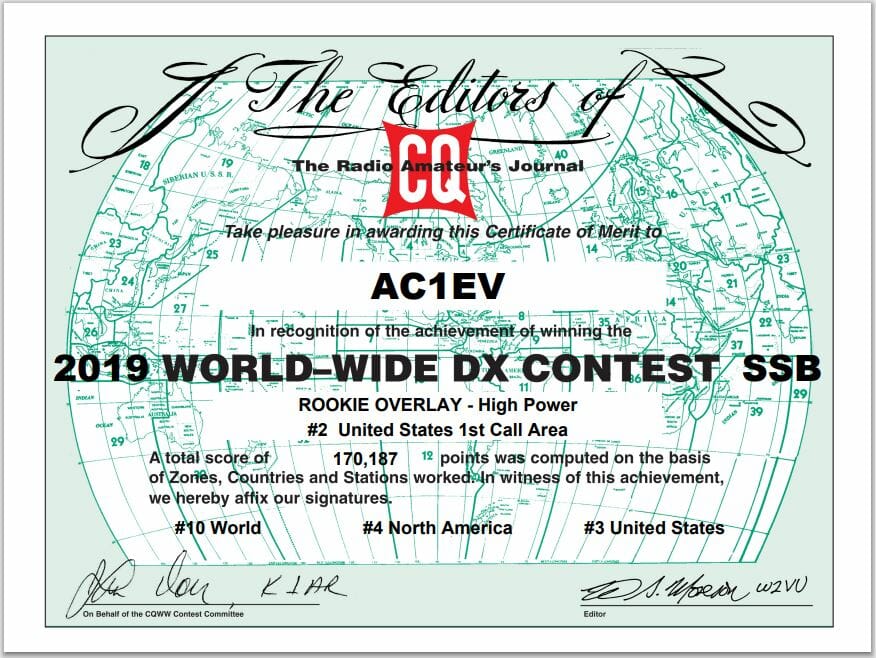
The MA QTH is in Tewksbury, MA, and has all the RF noise present in a suburban environment.  Additionally, the terrain was flat, so my antenna height above my roof was all I had.  The NH QTH offered many advantages. The first was there were many tall trees over 80 feet high.  Another advantage was the house was on top of an 85-foot hill.   The RF environment in the rural forest setting was noticeably quieter.  Installing an antenna high up in one of the trees on top of the hill is powerful. I ended up installing an 8010 EFHW antenna from MyAntennas.com which you can view here.  This second article discusses the topography of the NH QTH and how well the antenna worked in the 2019 CQ World-Wide DX SSB Contest. A disadvantage to operating remotely was that power and internet at the NH QTH were not reliable and I could anticipate losing connectivity multiple times a year.  I think this is a good case for wanting to operate locally from both locations.  A few hundred dollars for the antenna installation was an amount I could handle that would not eat into the Ham budget for the primary station in MA.  Duplicating the major components of that station would cost around $4500 which may happen someday, but until then, I will transport them between shacks.

One Radio, Two Shacks – Moving the Components Between Shacks

Here is what my MA shack looks like
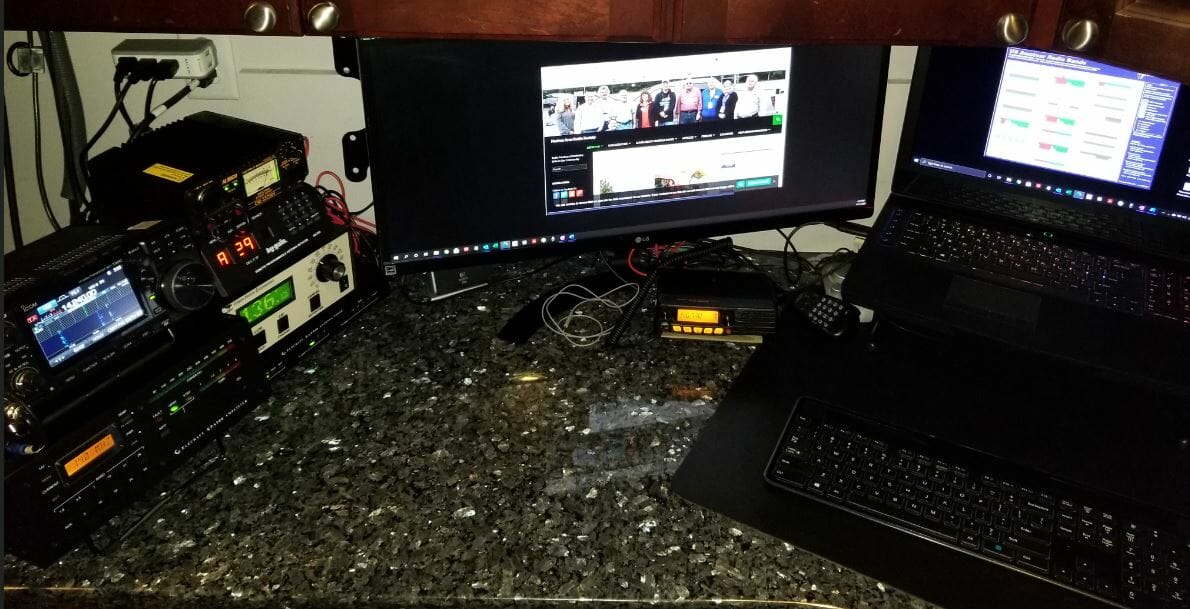
MA Shack - One Radio, Two Shacks
MA Shack

Icom 7300, Elecraft KPA500 amp, and KAT500 Tuner are the core components that need to travel between shacks.

When I arrive at the NH QTH this is what the shack there looks like.
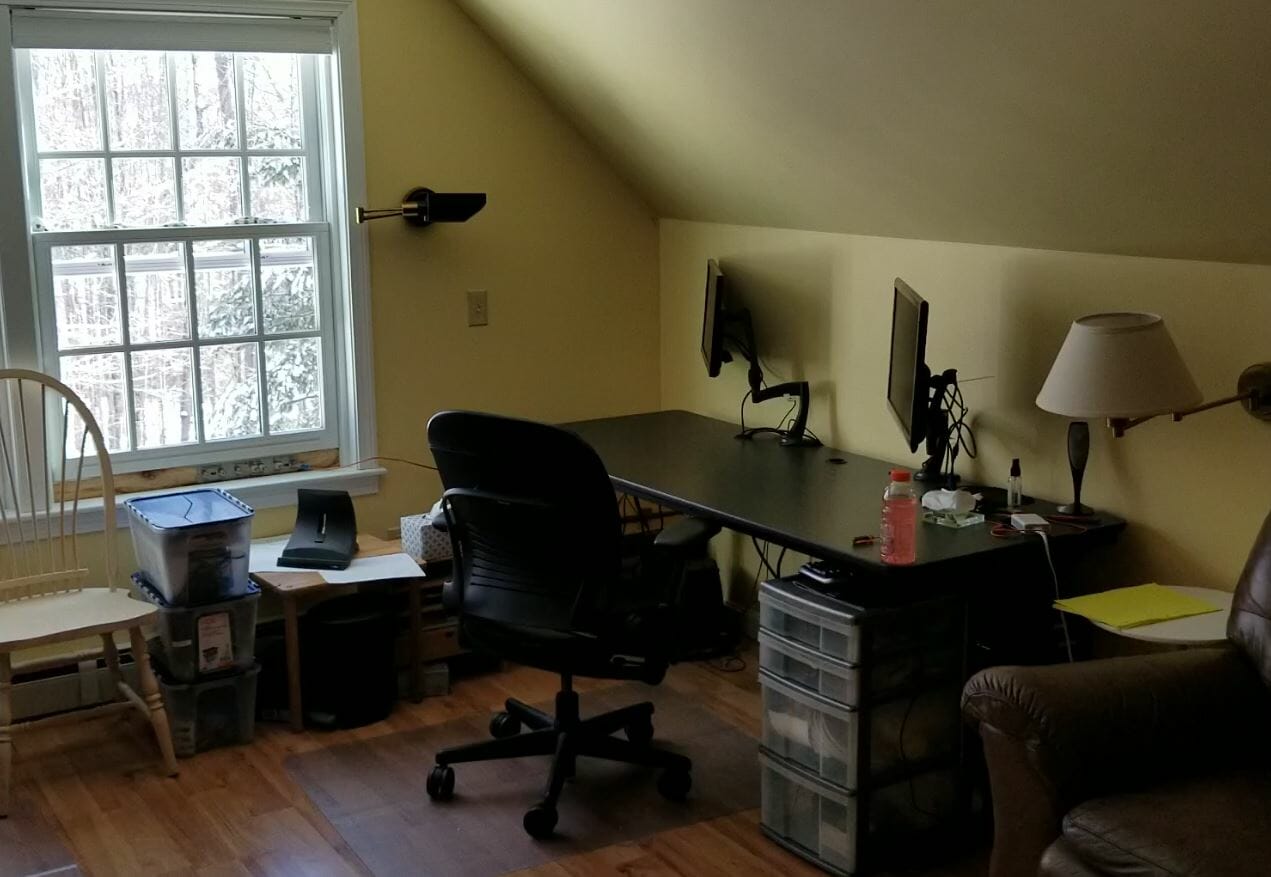
Empty Desk
Empty Desk

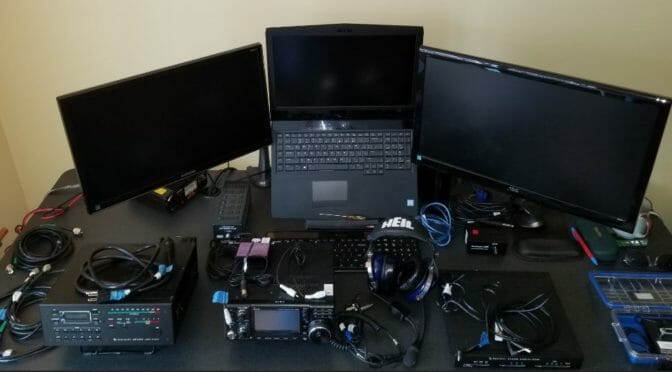
In addition to the radio gear, I bring my laptop.
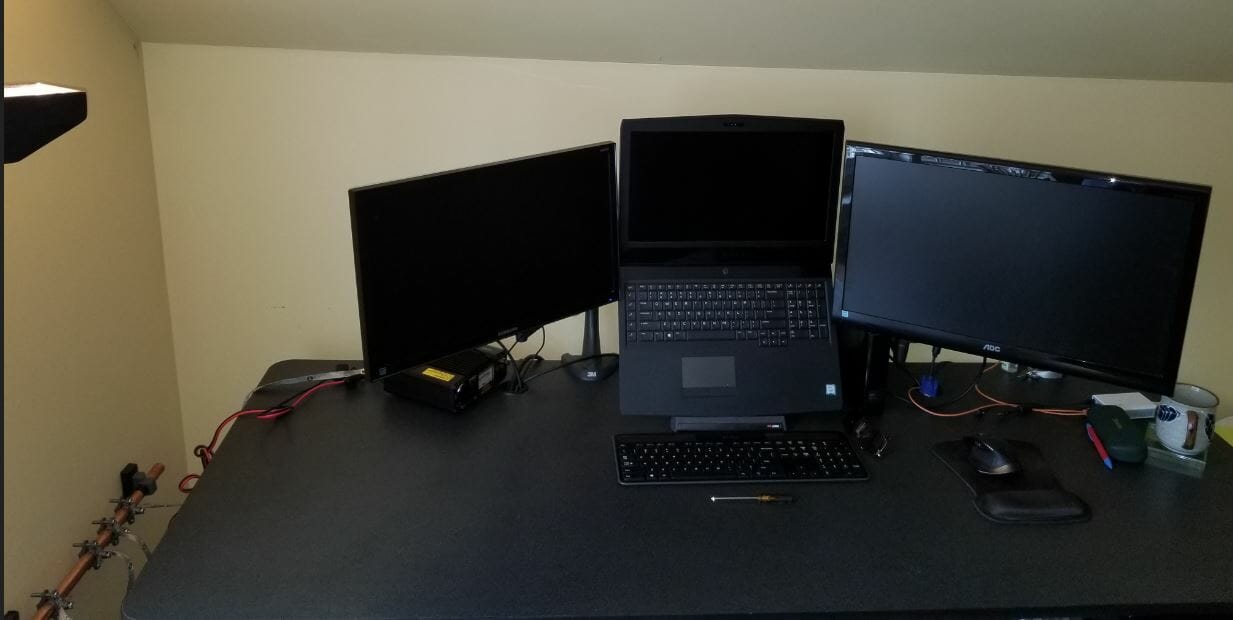
Laptop with 2 Additional Monitors

I packed all the gear required to set up the NH Shack in these two toolboxes.  Pelican cases would be great, but these were around $60.00 at Home Depot.  They are watertight and the bottom one has wheels.
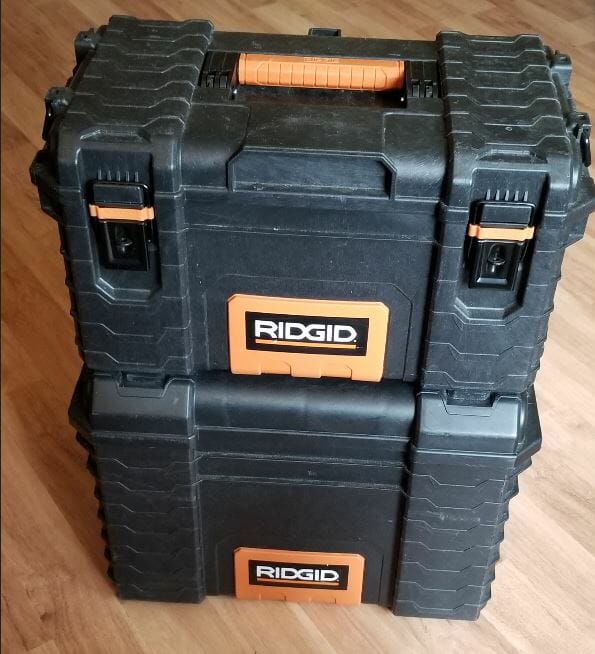
Stacked Tool Boxes
Stacked Tool Boxes

Let’s unpack the smaller one on the top first.
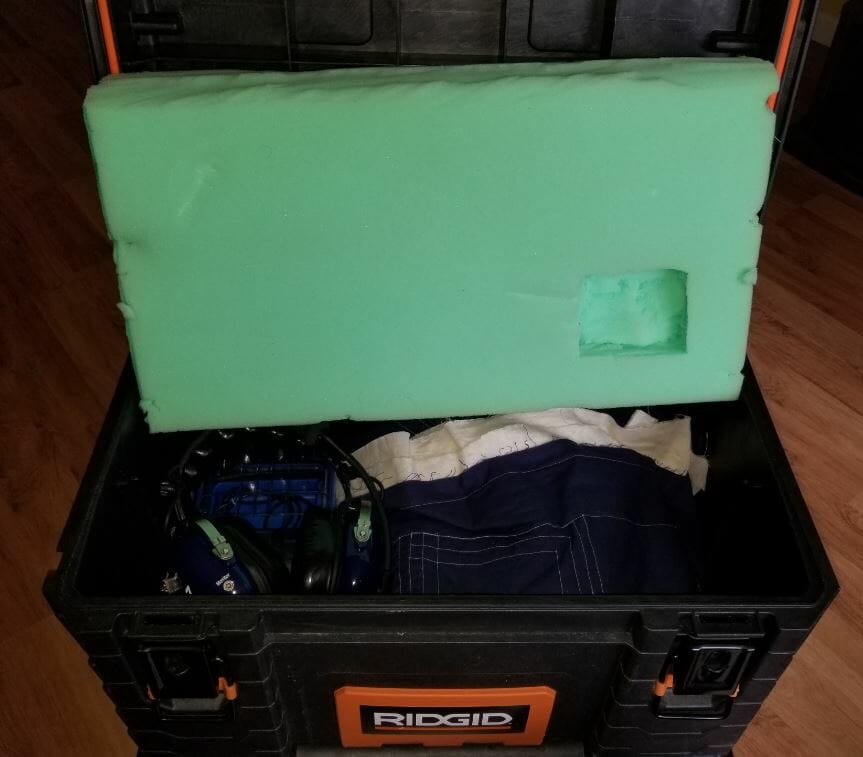
Small Tool Box Full
Small Tool Box Full

Inside is the IC-7300, Heil Pro 7, and Bencher CW Key.

The big toolbox is full and quite heavy.
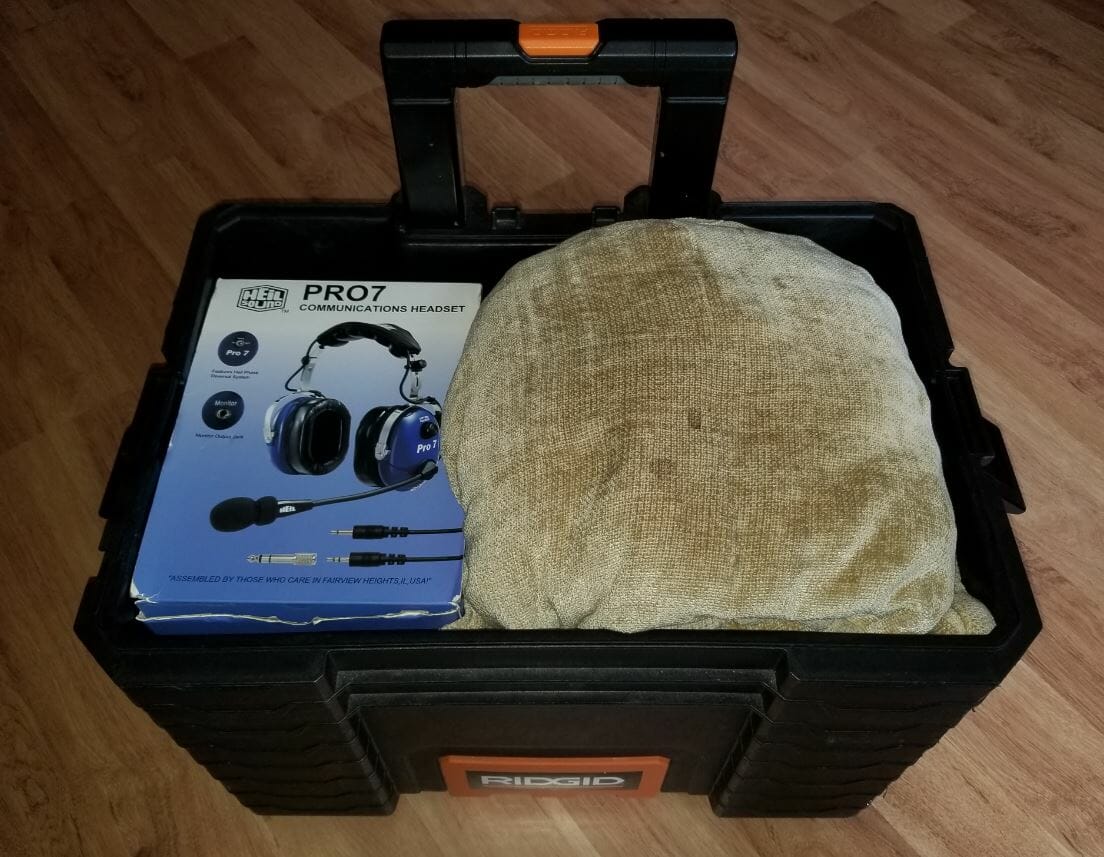
Big Tool Box Full
Big Tool Box Full

The box from the Pro7 headset holds the loose cables and fits in the toolbox perfectly.
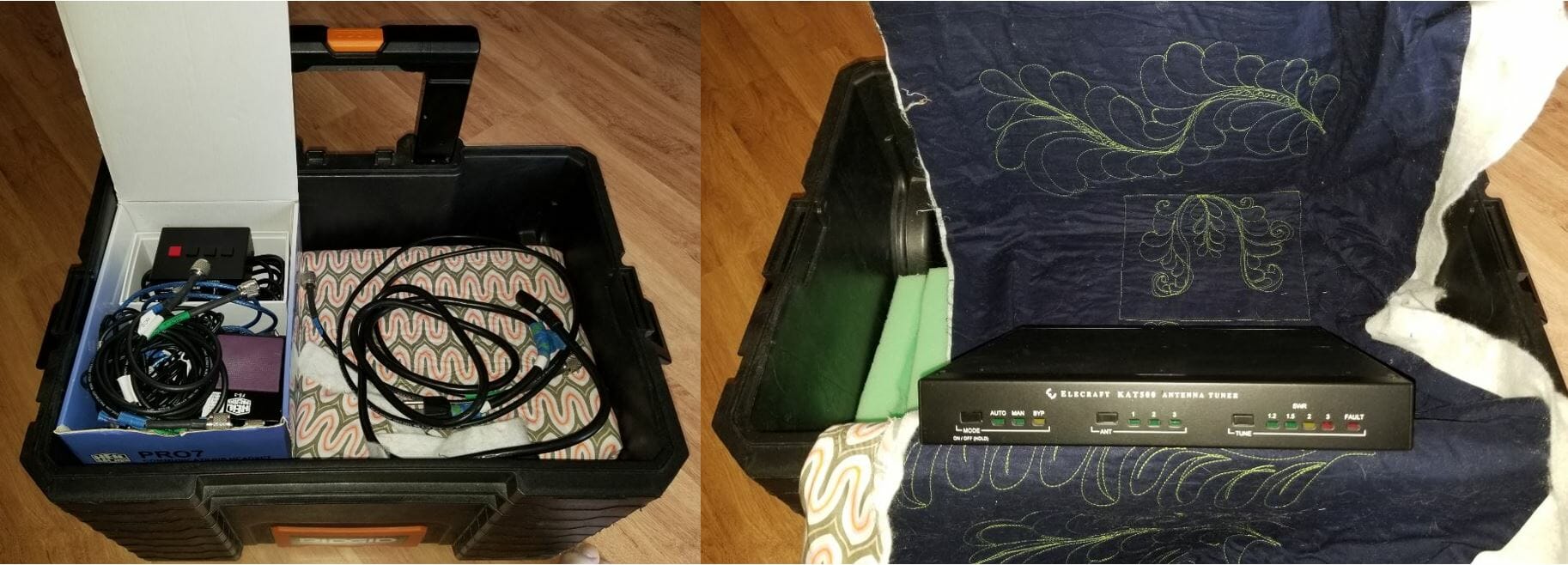
Big Toolbox Middle Layer - One Radio, Two Shacks
Big Toolbox Middle Layer

The KAT500 Tuner is unwrapped.  You can see below how well the toolboxes fit the components.
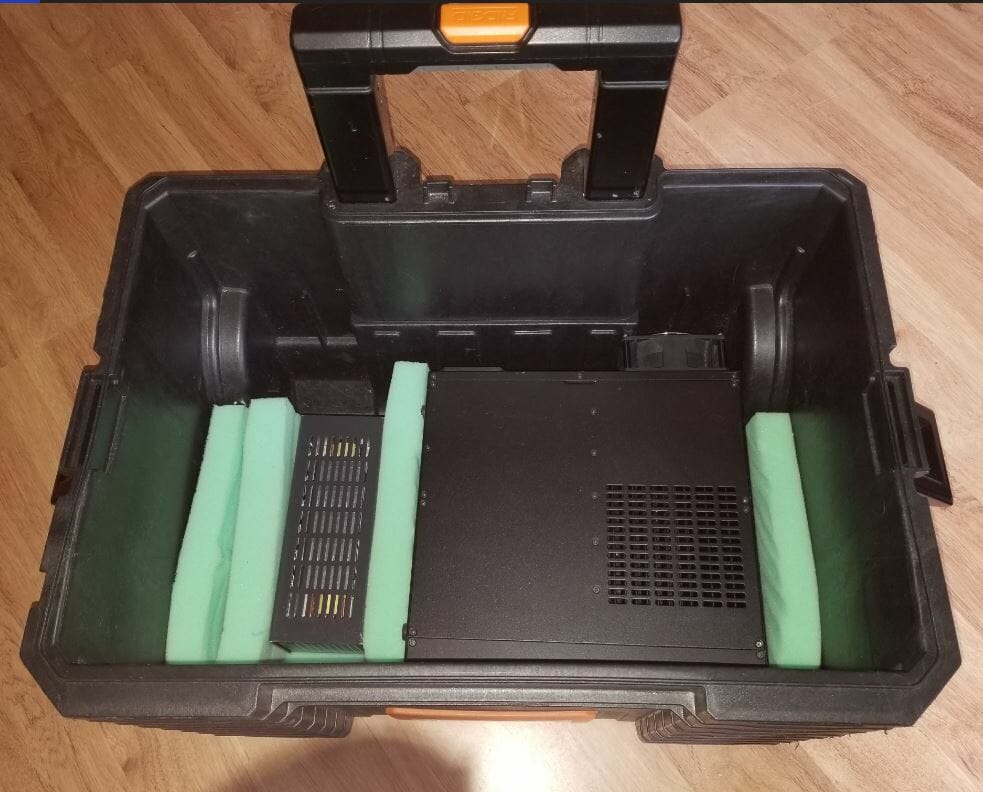
Big Tool Box Bottom
Big Tool Box Bottom

Dummy Load and KPA500 amp on the bottom of the large toolbox.
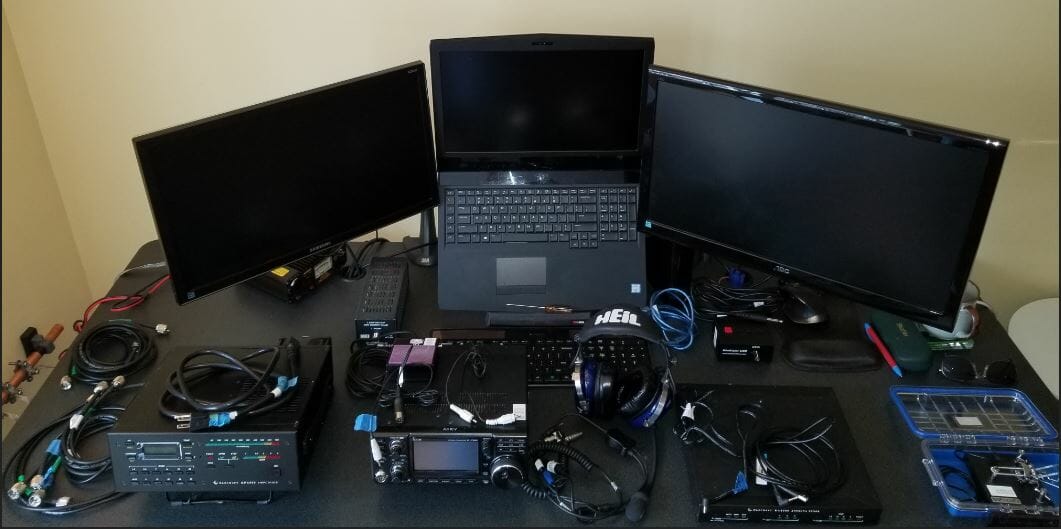
Components Laid Out - One Radio, Two Shacks
Components Laid Out

Here are all the components laid out.  Key cords and cables are labeled.
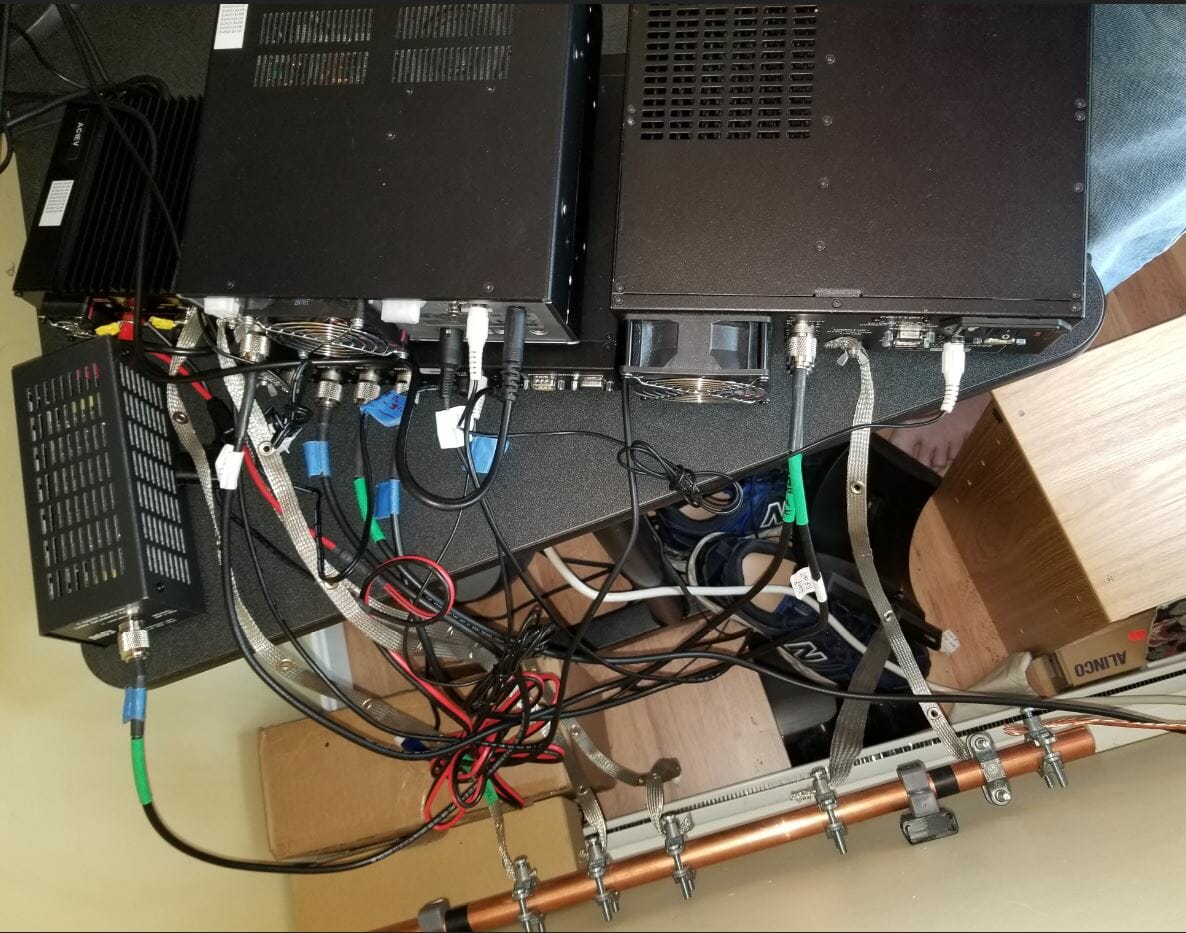
Wires and Ground

I connected the components.  The copper pipe is a bus for common ground.  The wire on the right side connects to the house ground outside.  The radio is noticeably quiet.
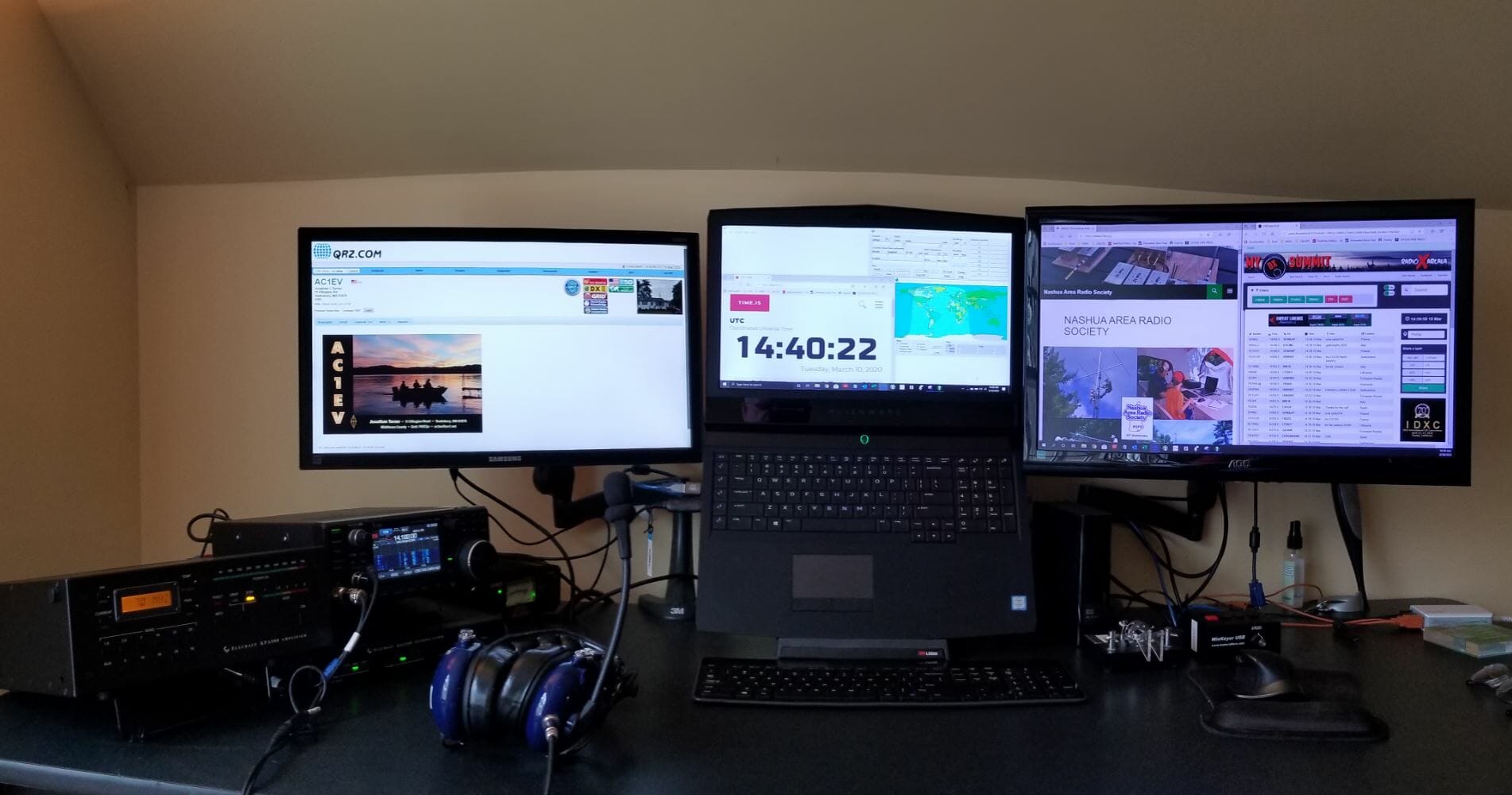
NH Shack Ready
NH Shack Ready

The shack is ready.

One Radio, Two Shacks – Here’s How Set Up Goes…

Click on the above image for a hyper-lapse video of me putting the shack together.

Jon, AC1EV

Configuring Emails from Our Forums

We have recently added some new features related to our Forums and some members may be getting more emails from the website.  Here is some information on how you can control the emails that you receive that result from Forum Posts.

There are two types of emails associated with forum posts – Individual Emails are sent with each post or reply.  Digests, are sent periodically and contain all forum posts and replies since the last Digest that was sent.

By default, new Members and Internet Subscribers are setup to be subscribed to all forums.  If you are subscribed to a forum, you will receive an email for each new post or reply.

Limiting Individual Forum Emails

You can change which individual emails that you have signed up for by logging into the website and following the steps below.  You can also change the frequency that you receive digests.

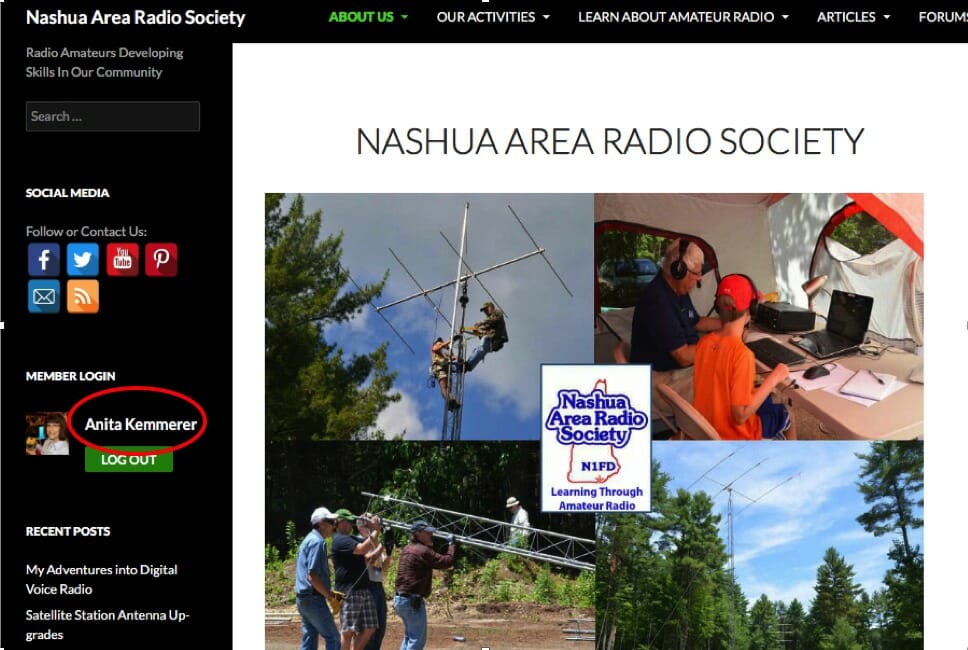
Click on your name where you login
Click on your name where you log in to bring up your Profile
  1. Click on your name on the left-hand side of the page under MEMBER LOGIN.  That will bring up your Profile Page.

    Click on Subscriptions on the left side of your profile page
    Click on Subscriptions on the left side of your profile page
  2. On the left side of your profile page, just below the Avatar or Picture, click on “Subscriptions”

    Unsubscribe from individual forum emails
    Unsubscribe from individual forum emails
  3. If you do not want to receive emails for every new post in a forum, you can click on the pink box with the X in it next to the Forum name to unsubscribe from that forum. We recommend you do not unsubscribe from the General Information Forum as that is where we send information about our meetings and events and those may be time-critical.  We also recommend that members do not unsubscribe from the Members Forum for the same reason.

    Edit your digest settings
    Edit your digest settings
  4. Digests are enabled by default to go out Daily and will include a summary with links to the day’s posts for our Forums.  To change the digest frequency, click on “Edit” just below where you clicked on “Subscriptions”.  Under Forum Digest Preferences, you can change the Digest Frequency from Daily to Weekly or Monthly.  When you are done, you should scroll to the bottom and click on the green rectangle that says “Update Profile”.

    Re-subscribe to individual forum post emails
    Re-subscribe to individual forum post emails
  5. If you want to re-subscribe to a forum that you deleted, start by going to the Forums Menu (On the black bar where you see About Us, Our Activities, etc.). Select Forums and then select the forum that you want to re-subscribe to from the drop-down that appears.   This will bring up the Forum page for that forum.  Just below the Green Rectangle that says “Mark All Topics” you will see a link that says “Subscribe”.  You can click on the word Subscribe to re-subscribe to the forum.  You will see the word “Subscribe” change to “Unsubscribe”.

Help and Suggestions Forum

If you are a new member and have questions about how to use the website, we recommend looking at the articles in the Help and Suggestions Forum to get answers to your questions.

73,

Anita, AB1QB


My Adventures into Digital Voice Radio

This article on Digital Voice Radio is intended for those new to ham radio but I hope that all who read these passages will enjoy and learn.

At a recent Nashua Area Radio Society club meeting on Zoom, there was a fascinating talk about Digital Voice Radio – including the mediums known as DMR, D-Star, and Fusion (C4FM) radio, given by Brian Gudzevich, WO1VES.

During that hour, I heard more buzz words, terms, and phrases that I could count. It took me the following week just to look-up everything. But what I heard was quite something, a  way to contact people all over the world with the clarity of digital audio.

What intrigued me even more, is that a new ham –  someone just getting their Technician License – can get involved with this kind of technology rather easily and for not much money.

I remember what it was like for me, just two years ago, getting my first license and having only a Baofeng HT and making some of my first QSOs to the remote corners of New Hampshire and Vermont. Boy, did I feel hot stuff back then! I also tried EchoLink in the beginning and made some other interesting QSOs to the West Coast and parts of the UK. That was great, too!

But, from what I heard, the digital voice radio formats are like EchoLink on steroids. I wanted to give it a try.

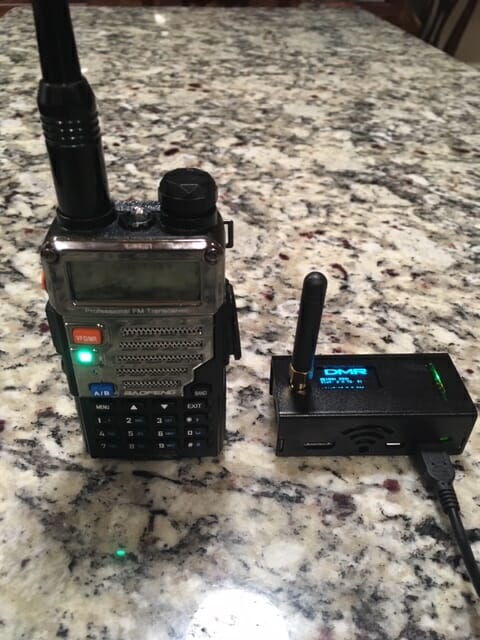
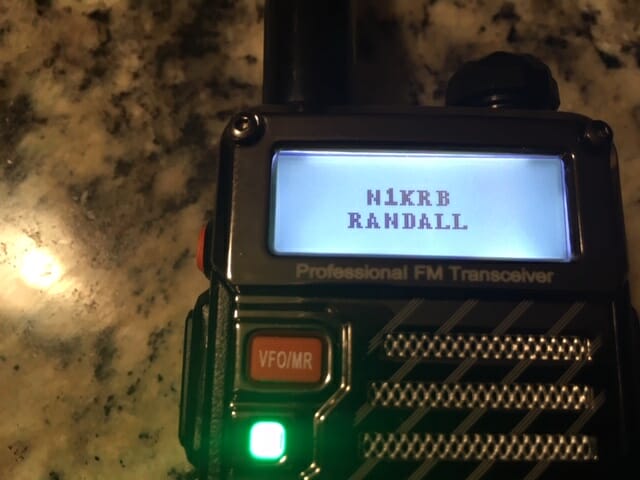
Asking around, I heard that DMR – even with its various downfalls – might be a place to start. I found a Baofeng DM-5R Plus being sold for $ 55. This was an awkward radio to play with, but after time, it finally got it to work.

I was able to reach the local repeater in Hudson – K1MOT – and was able to hear a few voices while tuned in to the system with some success.

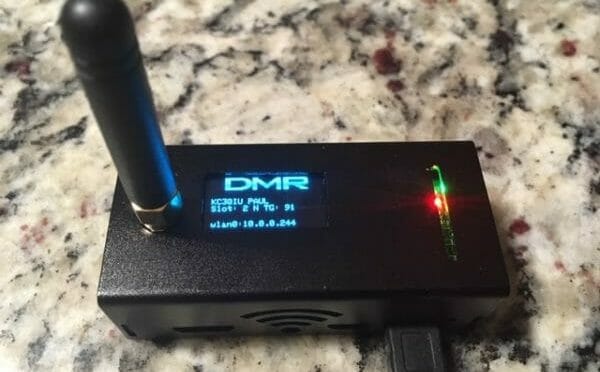
However, the best way to connect to digital radio and to the outside world is with something called a hotspot – a device that talks to the radio at one end and connects to the internet at the other. The hotspot I choose is what is known as a Jumbo, running Pi-Star.

Digital Voice Radio
DMR Hotspot

The basics of a DMR radio is that it is centered around the commercial radio technology, first developed by Motorola, which digitizes the audio and then divides that audio into packets. Those packets are sent and received over VHF and UHF bands.

To help make things work, each radio is required to have a ‘radio ID’, now issued by RadioID.Net. And for one radio to talk to another, the most common way to do this is to connect through something called a “talk group” which is like a virtual telephone party line. Anyone on the talk group can talk to another when they’re on the radio at the same time. Each talk group also needs its own ID number.

What also is required is that each radio needs to be programmed with something called a “code plug”. This is similar to the Chirp program used on HTs.  However, the code plugs on DMR are more like a matrix of data, setting up channels, contacts, talk groups, frequencies and so much more. It can be quite involved with trying to make sure all the information is imported into the right space. It is quite possible to screw things up … which I know first hand.

Using the repeaters, as mentioned, are rather limited as they only handle a small number of talk groups. The common complaint with the repeater is that it is hardly worthwhile because too few people are using them. However, a hotspot, with internet access at home,  in a car, or from a cell phone, can give you unlimited possibilities for chatting with others all over the world.

The first morning I got on the air, I overheard a fellow in Florida talking with someone in England. And then, I got on the air to talk with someone in Ohio and then Illinois, all with the clarity of digital signals. No QRN could be heard. It was quite something.

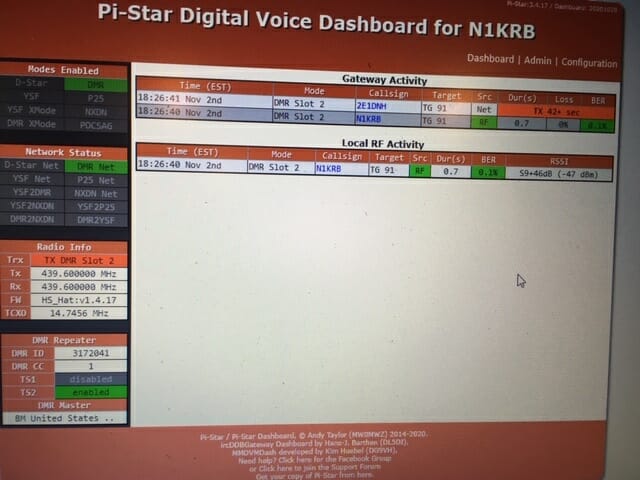
The one other thing I found interesting with DMR – with the Pi-Star hotspot –  I could log onto its ‘Dashboard’ and get an instant read-out of who else is on the talk group. Can you do that on HF? Maybe someday – maybe!

Digital Voice Radio
Hotspot Configuration Screen

And like I said, the whole experiment of trial and error cost less than $125 for the radio and the hotspot. Not great quality stuff but it worked and I was able to get a taste of this technology.

It is dizzying with the number of things available to anyone in ham radio – even for the new ham – and digital voice is just another exciting aspect of this ‘hobby’.

I would be interested in your experience with DMR. And who knows, I may try one of the other digital voice radio formats soon. Stay tuned!

73 Randall, N1KRB

Radio Amateurs Developing Skills Worldwide