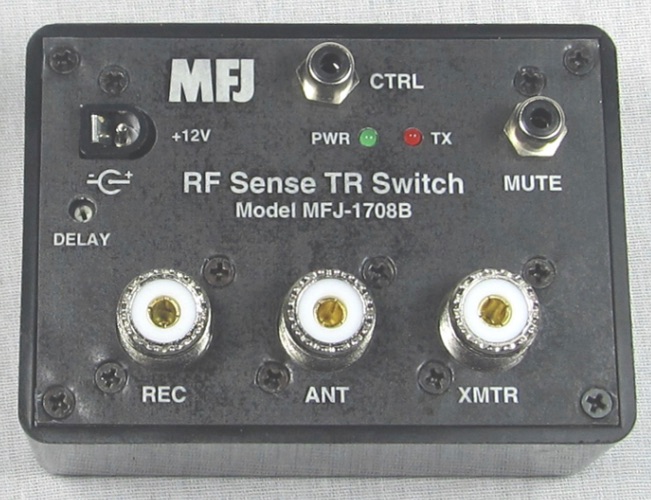
In my last post, I discussed how to add an SDR to your station using the built-in capabilities of your radio. If your radio doesn’t have this fancy antenna switching and selection feature, you can still integrate an SDR pan adapter into your shack using the handy MFJ-1708B or MFJ-1708B-SDRS devices.
Antenna sharing device from MFJ
These devices can be used to allow your SDR to share the same antenna as your transceiver while protecting it from transmitted signals. It does this in one of two ways (or a combination).
Key down input. Transceivers have a line that is used to trigger external amplifiers called key down or key out line. Usually, this line goes to ground when the transmitter is transmitting. (You should read your radio’s manual to verify this.) If you connect this device to this radio output then it will disconnect the SDR while you transmit.
The device also has an RF sensing circuit that will disconnect the SDR from the antenna if it detects the transceiver transmitting.
Because these units use relays you might want to have a slight delay before reconnecting the SDR to the antenna after a transmission. That delay time can be selected by turning the “DELAY” control near the left edge.
The unit is simple to configure: connect power (12v) and your radio key out signal to “CTRL”, then connect your transceiver, SDR, and antenna connections to the proper ports. Finally, adjust the delay control until it works for your style of operating. That’s it!
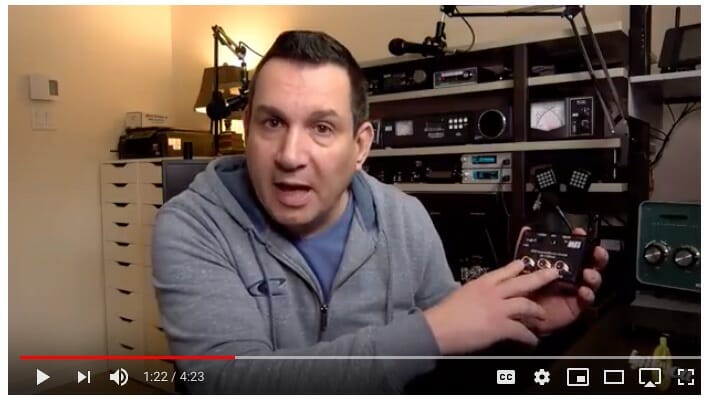
Here’s Pascal, VA2PV, with a quick overview of an earlier version of these devices.
Click the video above to see Pascal describe these devices
Note that Pascal is reviewing one of the earlier models of this device. MFJ made some improvements to these units almost immediately after they began shipping. Be sure to get the one with a “B” after the numbers to ensure you get the new-and-improved model.
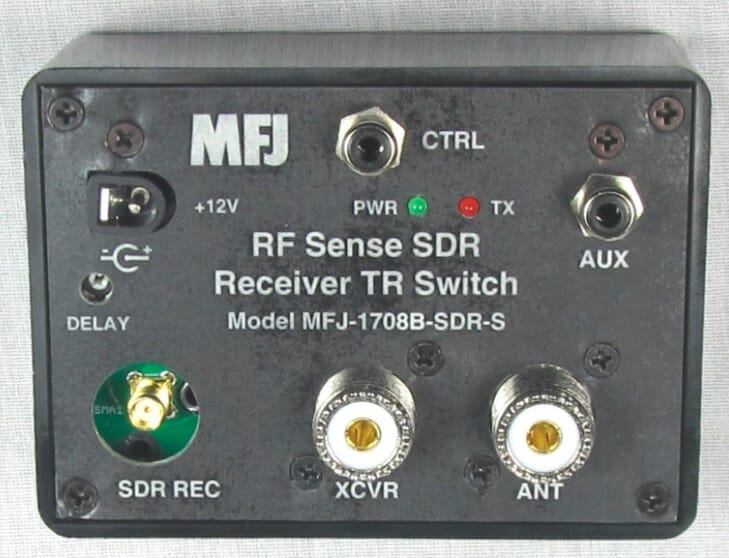
MFJ actually makes two versions of the new model: one with a regular SO-239 connector for the SDR, and one with an SMA connector for the SDR. The SMA version is shown below.
SMA version of the unit
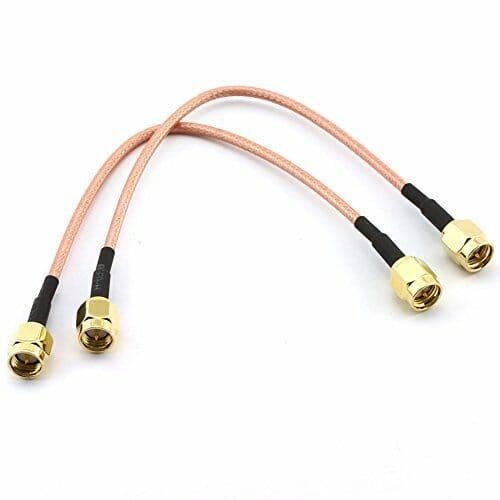
Amazon has some nice patch cables for very little money to complete the project.
SMA patch cables
Note: If you do have an external amplifier be sure to put the MFJ unit between your transceiver and the amplifier!
I’ll post a few more notes on SDRs and uses for them in your shack over the next month or so. Please plan to join us for the December 11th Tech Night SDR workshop where we’ll help you get your computer and SDR talking.
Having SDR capabilities like a waterfall display and point-and-click tuning can be added to your existing station. I’ll show you one easy way to do it.
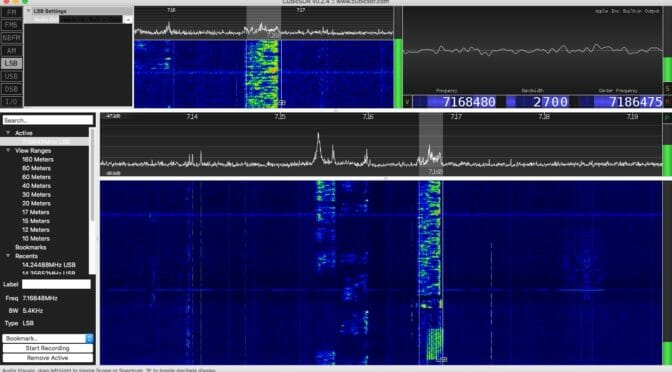
Waterfall from an SDR
Antenna port management
Care must be taken that your SDR is protected from your transmitted signal. If you are sharing an antenna between your rig and an SDR receiver you need to ensure that your transmitted signal doesn’t go directly into a receiver! Years ago hams had receivers and they had transmitters. They switched between the two as they worked. The receiver was isolated from the transmitter while transmitting. Your transceiver does the same thing. It uncouples the receiver from the antenna when you transmit.
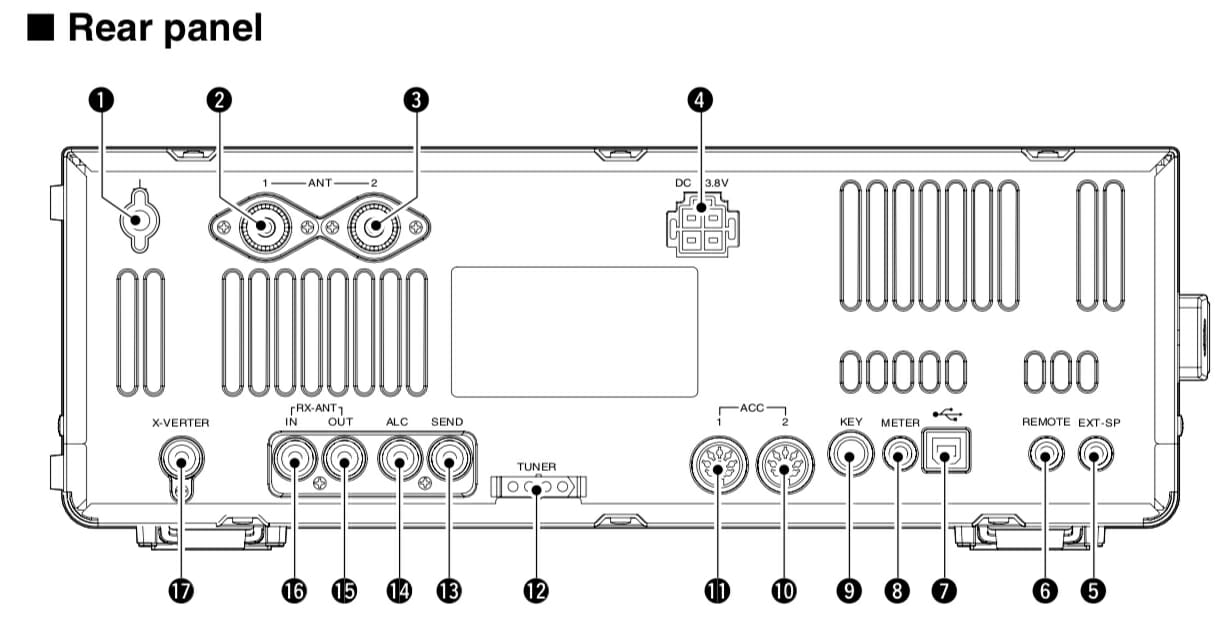
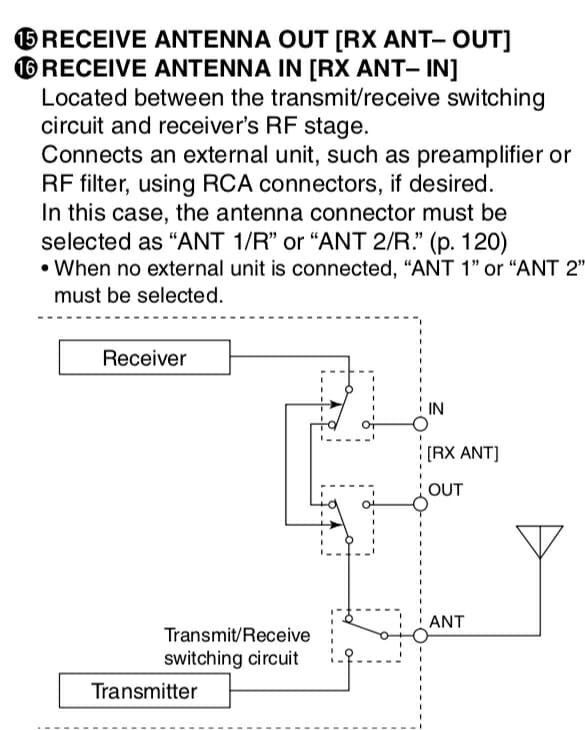
Some radios allow you to tap into the receiver’s receive path. My ICOM IC-7600, for example, has two RCA connectors labeled “RX ANT IN” and “OUT.” The IN and OUT are normally connected together. That is the default and in this condition things work exactly as you expect. But, you can select an option that separates these two signal paths.
RF in and RF out connectors on an IC-7600
Figure 1. Refs 16 and 17 are RX ANT IN and OUT, respectively.
Figure 2 shows this relationship a little better.
ANT IN / OUT
Figure 2. Receive signal management in an IC-7600
If you had a receive-only antenna (like a Beverage) then you would separate the path, isolating your receiver from the transmit antenna, and sending it instead to your receive-only antenna (Connected to IN.) That configuration shown in Figure 2 is the default where the receive and transmit antenna are the same. If the relays around IN and OUT were switched the other way, the connection from the receiver to the transmit antenna can never happen. That’s how we ensure our receive-only antenna is used during receive. (It would be connected to RX ANT IN.)
Splitting the signal
In this exercise we’re going to add an SDR to the mix, not a receive antenna, but we use all the same stuff. What we need to do is tap into the received signal for the SDR without disturbing (too much) the signal that goes into the receiver of the ICOM. That is, I want to take the one signal (from the antenna) and split it between two receivers (the ICOM and an SDR). There is a device that does that and I’ve pictured it in Figure 3.
Mini-Circuits ZFSC-2-6+ Signal Splitter 0.002 to 60 MHz
Figure 3. A Mini-Circuits signal splitter.
This device is about as simple as something like this gets. The Mini-Circuit ZFSC-2-6+ takes one input and splits the signal to two outputs. So, we take the signal received from RX ANT OUT, send it to the splitter, and then take the two outputs and route one back to RX ANT IN (for the ICOM) and the other to an SDR. Now all you need to do is ensure your radio is using ANT 1/R or ANT 2/R so the signals remain split.
Choosing an SDR
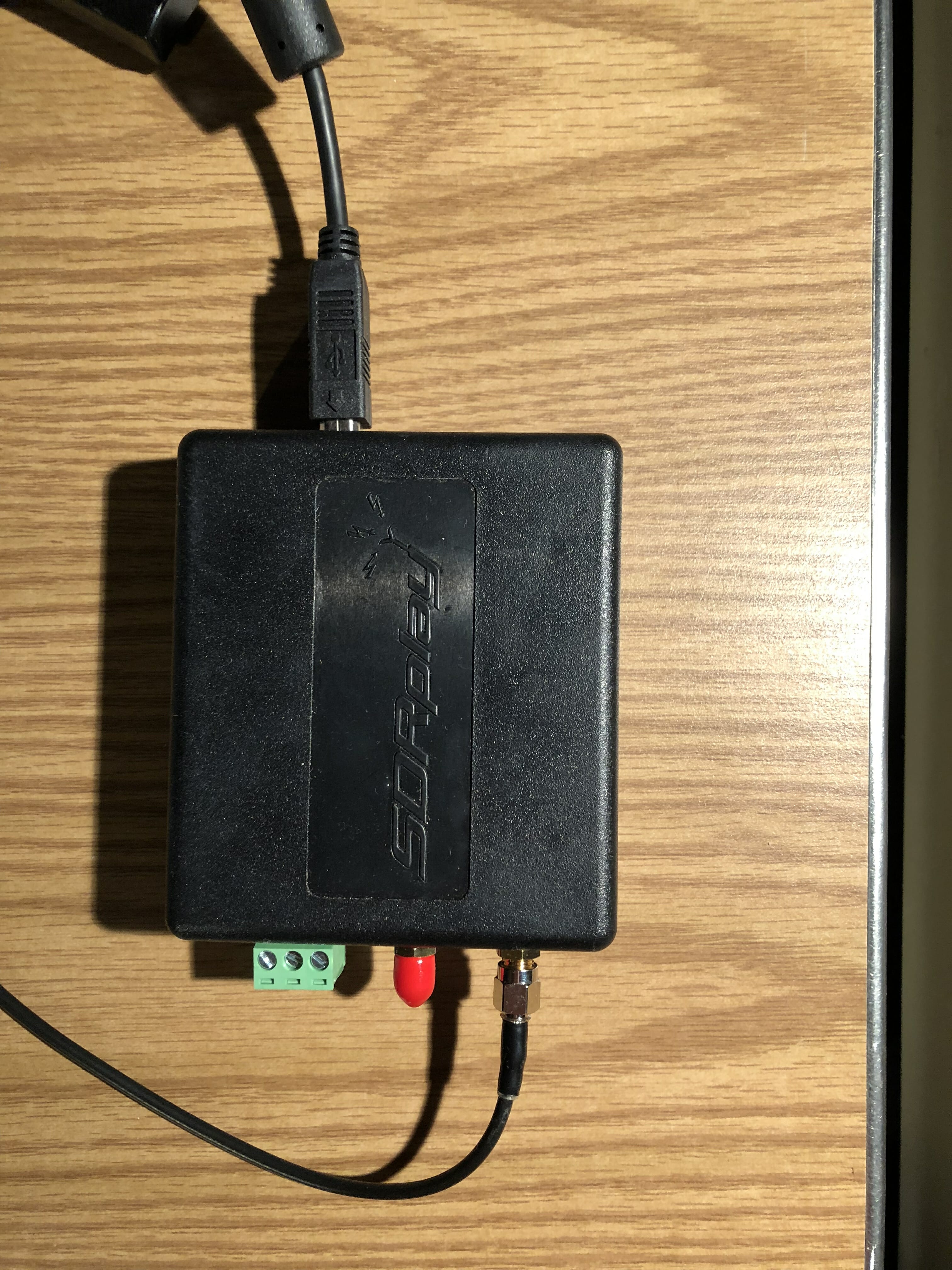
There are many, many small SDR receivers available. I selected the SDRplay RSP 2 receiver as shown in Figure 4.
SDRPlay RSP 2 receiver
Figure 4. The SDRplay RSP2 receiver
The antenna connection comes from one of the ports of the signal splitter. The unit is powered by, and communicates to, the computer via the USB cable shown near the top. This is a small unit and I tuck it neatly behind some other stuff and out of the way. There are no controls on the unit so there’s no reason to handle it again.
Software
Just as there are many choices for SDR receivers, there are many many choices for software. Ask any ten hams which one is best and you’ll likely get eleven answers. So, I recommend trying a few for your platform (I’m on a Mac) and see which one you like best.
SDRplay recommends CubicSDR and I’ve found the software fairly easy to use with an easy learning curve. SDRplay has software for the following platforms:
Windows
Linux x86
Mac
Raspberry Pi
Android
ARM64
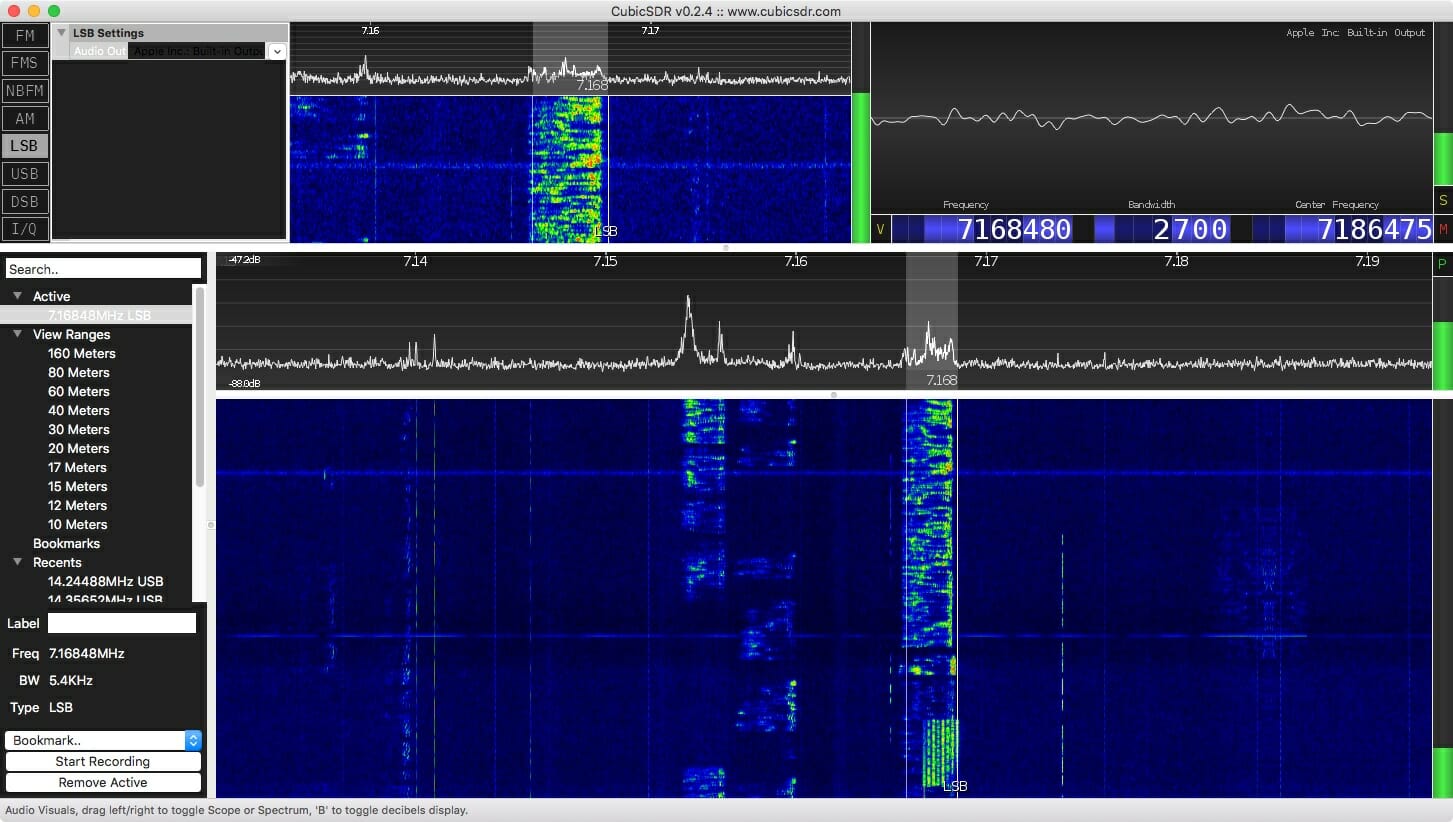
A screenshot of CubicSDR is shown at the top of this article.
The software allows me to see a wide slice of spectrum, a waterfall showing a history of signals, point-and-click tuning (once you’ve enabled rig control), and, of course, it is a receiver so it gives me sound from the tuned signal through my computer speakers.
Performance
The splitter has very little insertion loss (0.3 dB), but of course the signals themselves will each be down about 3 dB (since each signal is half the original). A loss of 3 dB is about half an S-unit, so you’ll never hear the difference. And, since the SDR is much more sensitive than my ears I consider its addition a win.
Impressions so far
I used this system while playing in the California QSO Party. It was fun clicking on a signal in the waterfall and having the radio obey my request. Hard-core SDR fans will likely talk about the power of visualization for finding a signal, or even finding open spots if you wish to call CQ. With this arrangement, you can have all that using your existing radio.
Coming in December
Would you like to try building an SDR for about $25 plus a Raspberry Pi? Come to the December Tech Night where we’ll have an SDR workshop. More detail on this to follow in a few weeks.
Field Day 2017 is but a memory for us now. Dave, K1DLM, our Field Day Chairman, and the entire Field Day team did a great job with putting together our Field Day operation this year.
We are still adding up our score and collecting pictures and video from everyone. I wanted to get something out quickly so that we could begin to enjoy some of the memories. So here is my quick Sights from Field Day 2017….
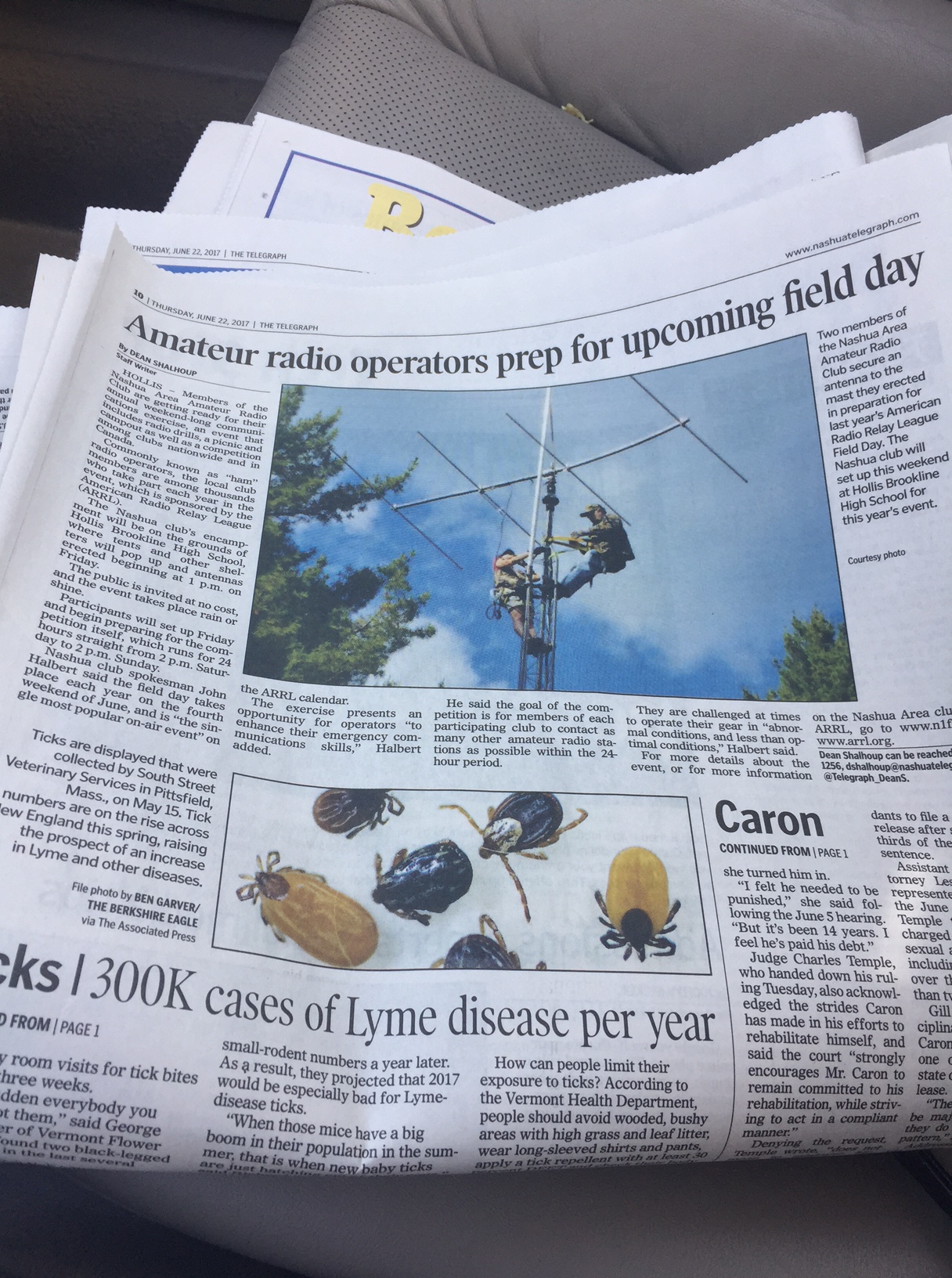
Our Field Day Telegraph Article
We did a fantastic job on publicity this year…
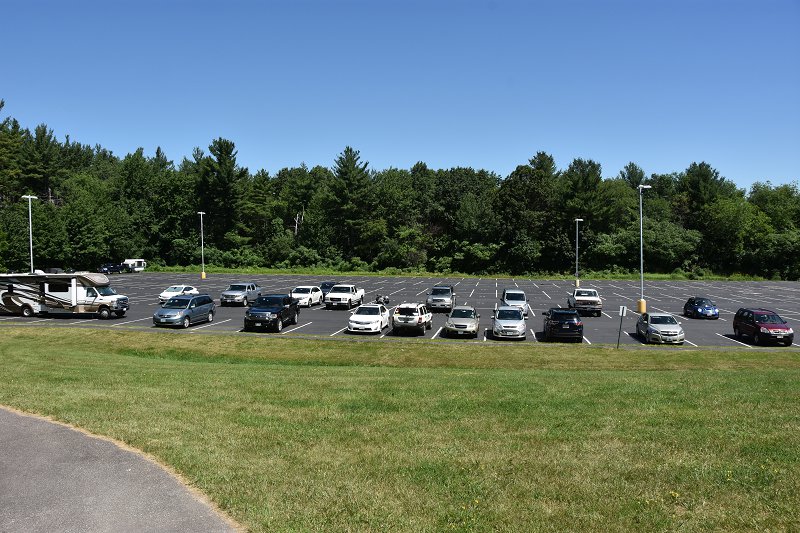
The Parking Lot Was Full
and the parking lot was full of visitors and members on Saturday and Sunday.
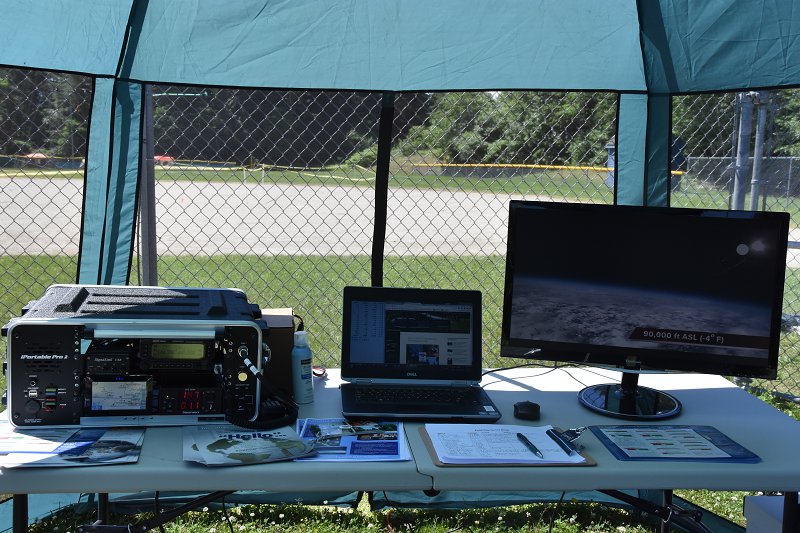
Our Public Info Tent Is A Hit
Our updated Public Information Tent was a hot spot for our many visitors (over 45 visitors signed our guest register)!
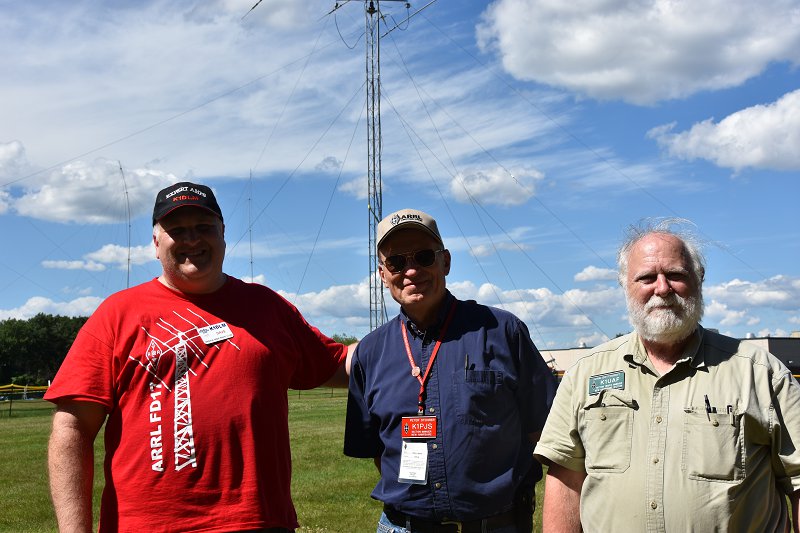
ARRL Section Leaders – Peter, K1PJS And John, K1UAF
The ARRL “brass” came out early to congratulate Dave, K1DLM our Field Day Chairman, and to tour our site.
The Food Was Awesome!
The food was unbelievably good – thanks, Valerie!!! And the N1FD cafe’ was a hot-spot as usual.
Everyone operated very hard and we made more contacts than last year!
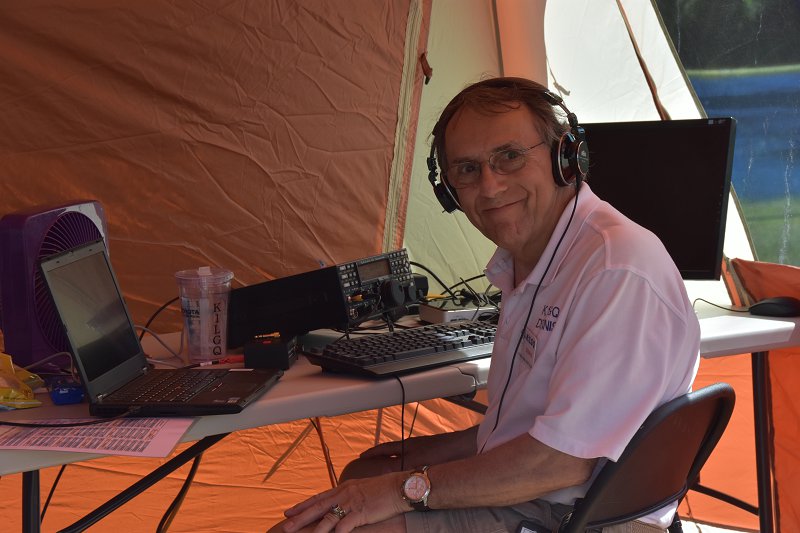
CW Ops – Dennis, K1LGQ
Our CW operators were amazing again this year. Here’s Dennis banging out CW QSOs. Dave, KM3T even operated SO2R for a period – calling “CQ” and working contacts on both 20M and 40M CW at the same time! Gene, W3UA brought his CW skimmer and we set up an OCF dipole to provide on-site CW spots.
And The Generators Played On…
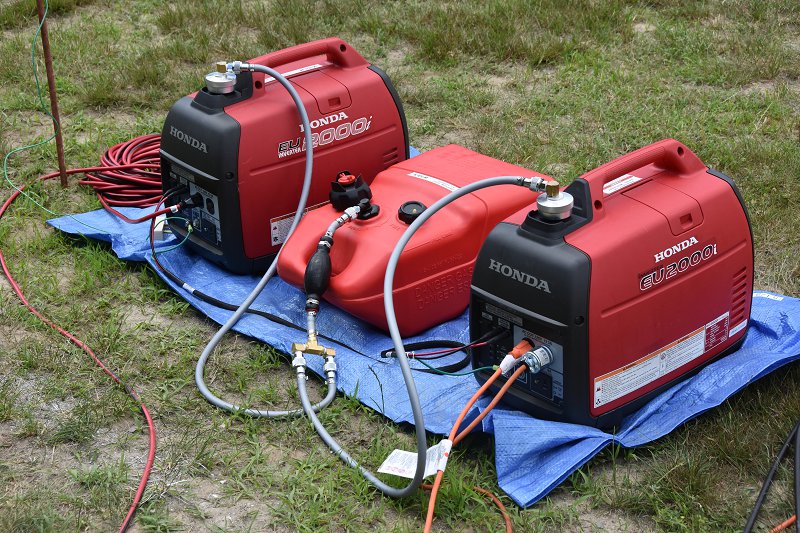
And the new generators worked flawlessly and were much easier to service.
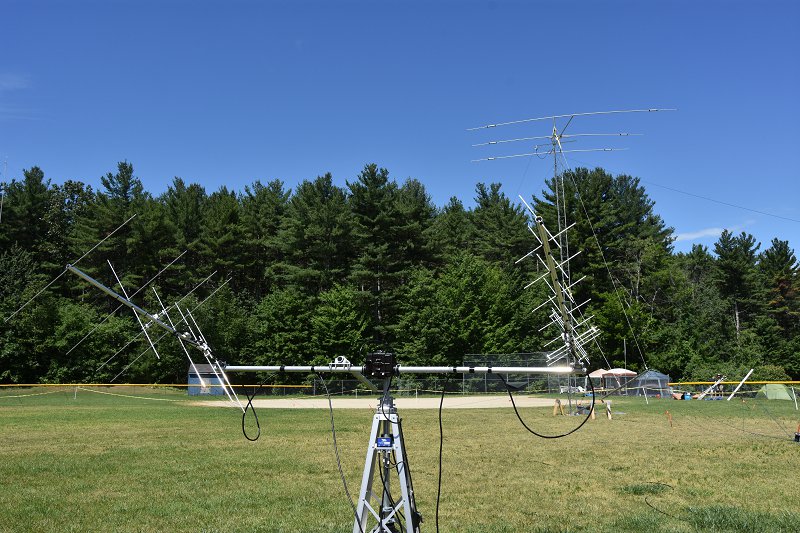
and our visitors got a kick out of seeing the computer controlled satellite antennas.
Team Finchum In Action
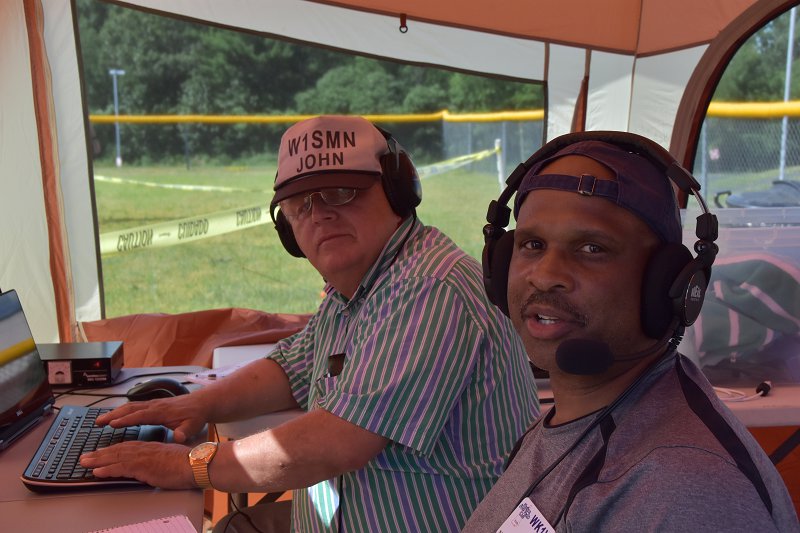
Team Finchum was in high gear as always – here’s Abby, AB1BY operating with her brother Connor, KC1GGX. It seemed like Abby was on every SSB station that I looked at all weekend long…
New Digital Station For 2017
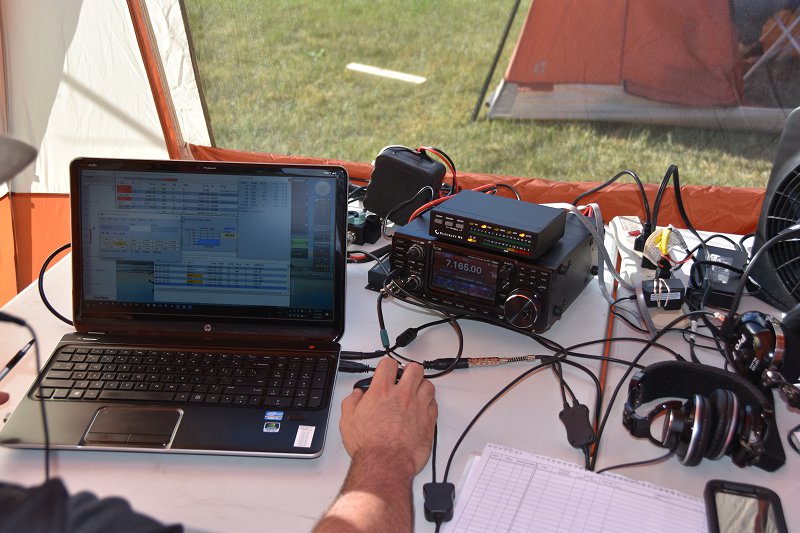
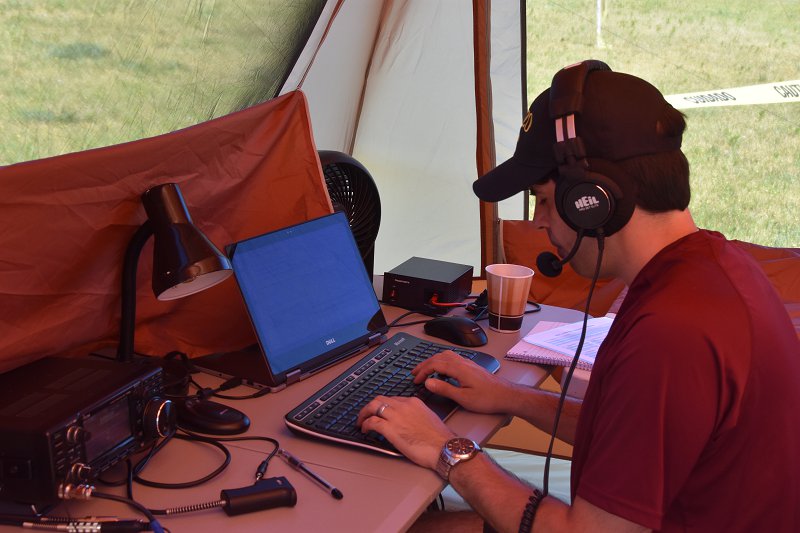
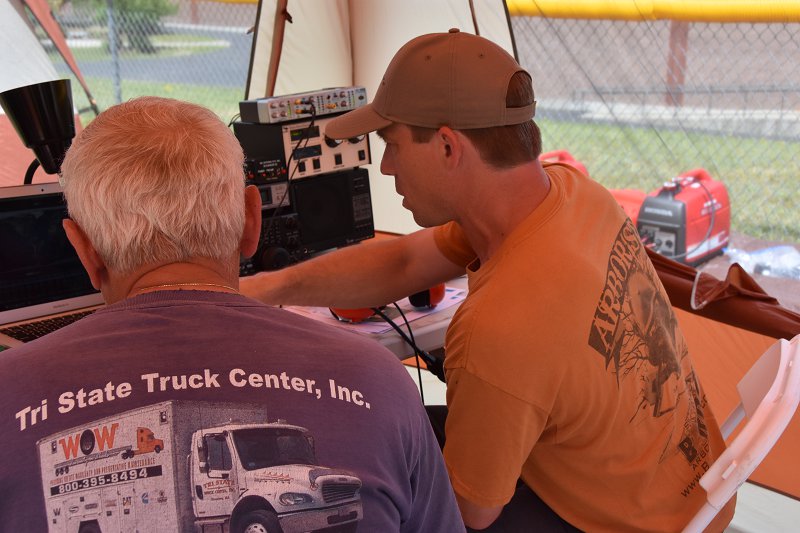
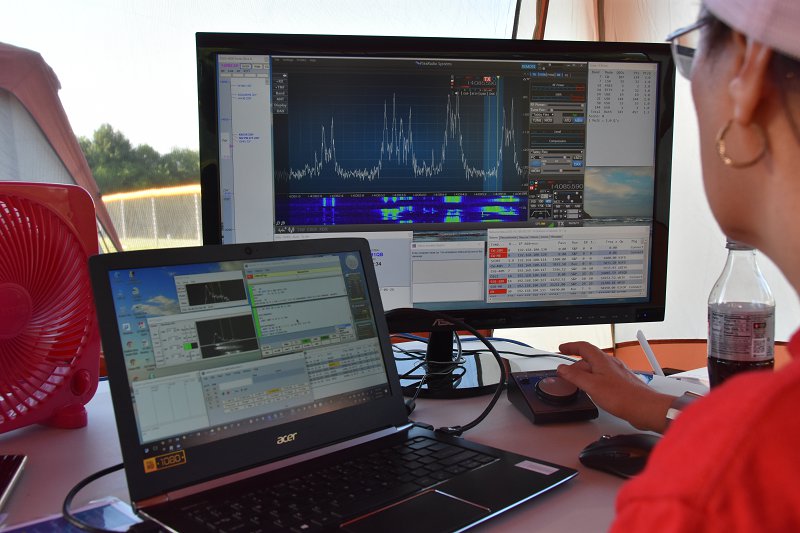
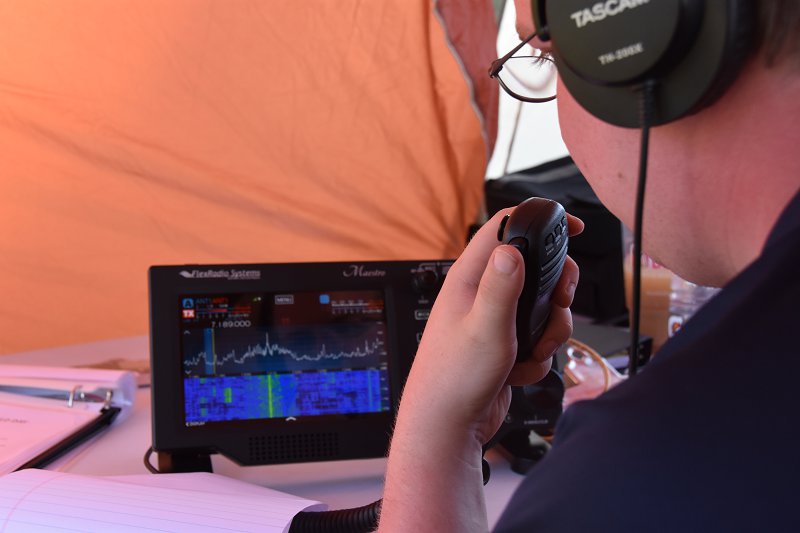
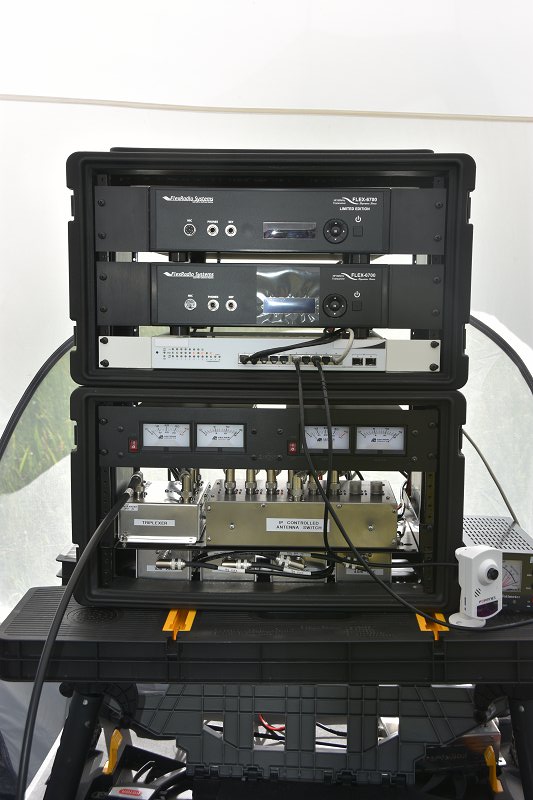
Our new SDR powered Digital Station worked well and we had lots of digital contacts using the antennas on the new 60 ft. tower.
The SDR GOTA Was Cool!
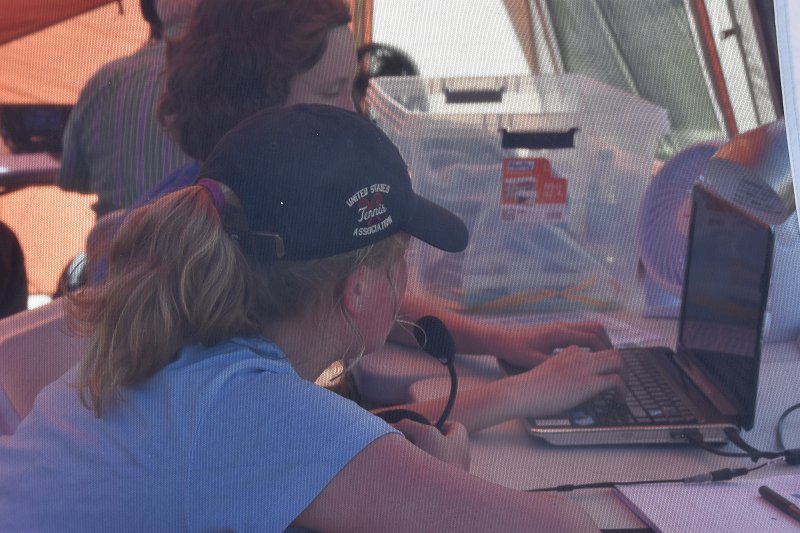
The SDR-based GOTA station worked out super well. Ira, KC1EMJ was our GOTA coach and was busy on Saturday and Sunday introducing our guests and newly licensed members to “high-tech” Amateur Radio. We had many young people try Amateur Radio for the very first time on our GOTA station.
Anita, AB1QB, our scoring chairman is still working on tallying up our score but it will be higher than last year.
Please take a minute and send me any photos or video that you have from Field Day 2017. We’ll be producing a video of all of the fun for the Field Day 2017 Recap at our club meeting on July 11th. Don’t miss it!
We use cookies to ensure that we give you the best experience on our website. If you continue to use this site we will assume that you are happy with it.

![Add SDR Capabilities to Your Radio [part 2]](https://www.n1fd.org/wp-content/uploads/2018/10/MFJ-1708B-651x372.jpg)
 Click the video above to see Pascal describe these devices