All posts by Nashua Area Radio Society

Webmaster for the Nashua Area Radio Society

My SSB BitX-40 build from VU2ESE

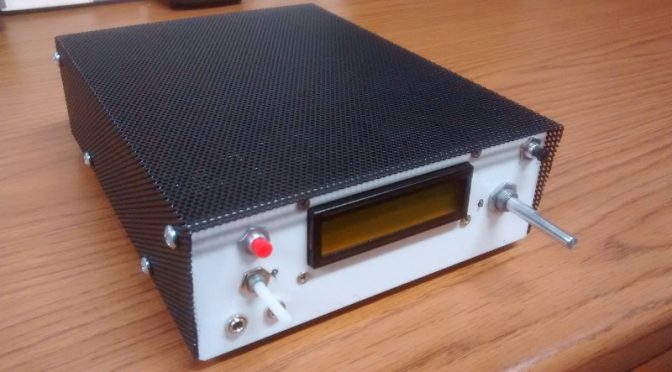
Below is a photo of my BitX-40 kit from Ashhar Farhan VU2ESE in India with my very own custom designed case.  The kits are available from http://www.hfsigs.com/

The top cover shown is powder coated steel mesh.
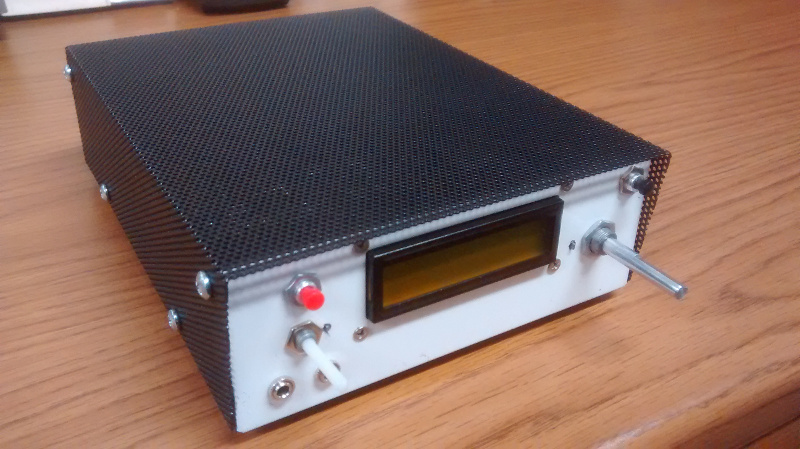
BitX-40 Enclosure

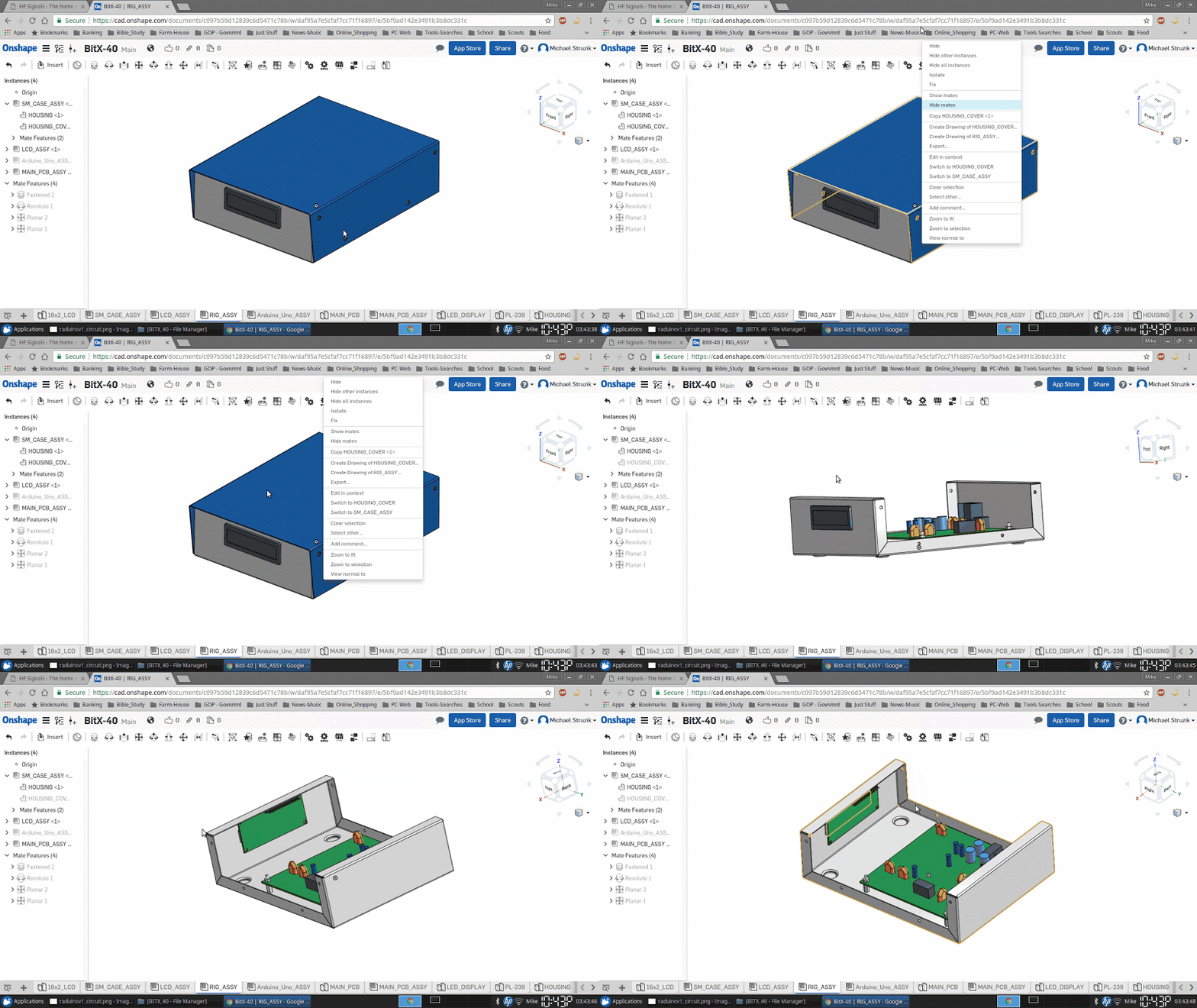
The sheet metal housing was designed in a solid modeling software package called Onshape. This web based software is free to use if your designs are to be available to anyone who signs into an account.  This design is “in the cloud” and considered “open hardware”, available to anyone who would like to use it.  Below is a screen capture of my Linux desktop running Onshape within a web browser.
BitX-40 Enclosure CAD Design

With access to a CNC punch press and a 90-ton brake press, a coworker of mine helped out with a bit of “government work”!

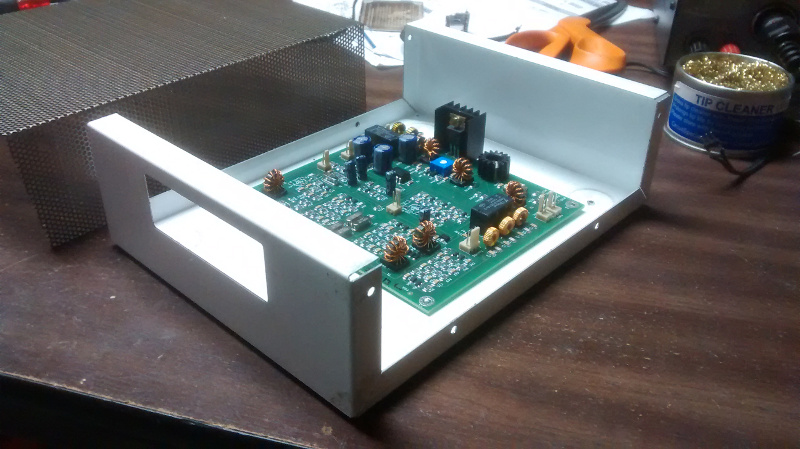
I left out some of the detail in the housing to let others enjoy the use of a drill and allow for some creativity with a customized placement of components.
BitX-40 Enclosure with Board

Some of the wires are not needed but may be useful in future “hacks”. The image below shows some of the wires removed from the “Molex” connector.  A small sharp object can be used to push in on the barb to remove the contact for a future project.

BitX-40 Cables and Connectors

See http://bitxhacks.blogspot.com/

I used my sketch to drive the LCD screen and the SI5351 chip using the Adafruit library.  The checkered block moves left and right between the arrows to indicate when I am at or near the end of travel with the tuning potentiometer.
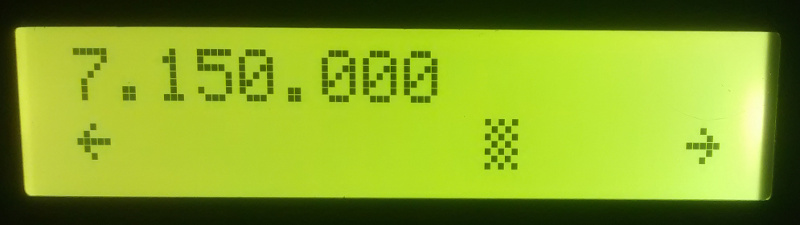
BitX-40 Frequency Stationary
Stationary

When I move the block all the way to the right with the potentiometer it turns into an arrow and automatically increases the frequency. To make it stop just turn the potentiometer to the left.
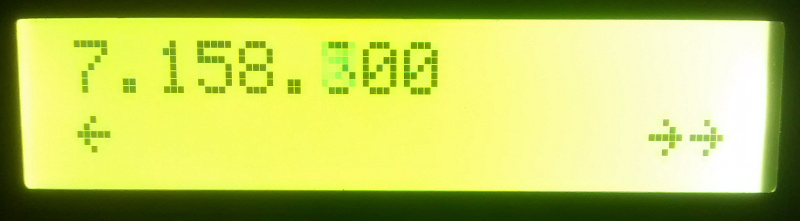
BitX-40 Frequency rising
Frequency rising

I like the ability to scan the band without having to turn a knob!

Below is an image showing 12v and 24v voltage regulators and electrical tape on the housing tabs.  12v is for the majority of the wiring and I used 24v for the IRF510 PA.  The black tape looks nice behind the black mesh cover.  while testing I measured about 4W RF output with 12v feeding the PA and 16W RF at 24v.
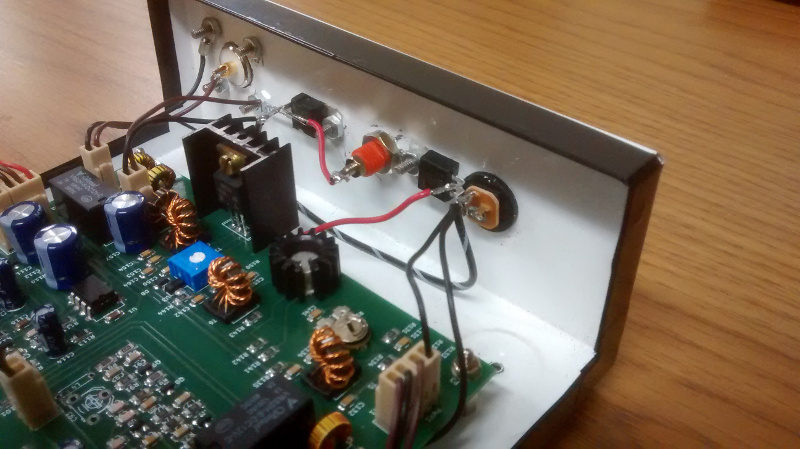
BitX-40 Enclosure

The bottom has extruded “feet” along with stick on feet to keep the rig from sliding.
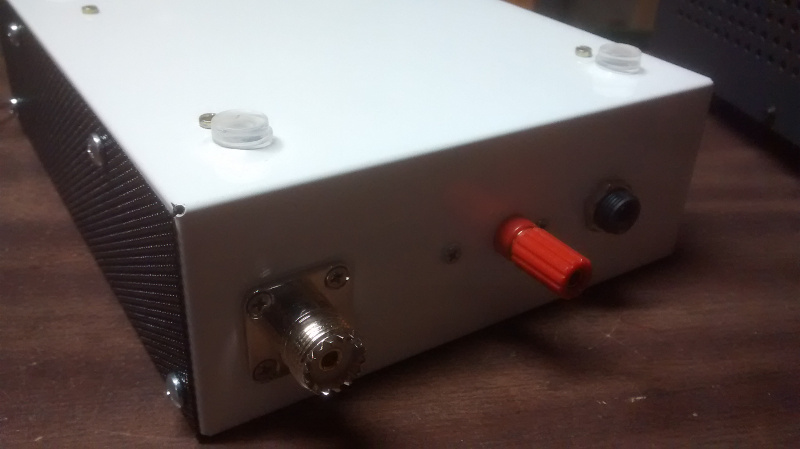
BitX-40 Enclosure

I used an SO-239 connector for the antenna.  I saved the BNC connector from the kit for test gear.  The red terminal post is connected to 32v from a repurposed HP printer power supply.  The barrel jack is connected to 16v from the same supply.

For more information on the case, you may contact me through my QRZ page.

73,

Mike (AB1YK)
Our January Visit to MakeIt Labs!

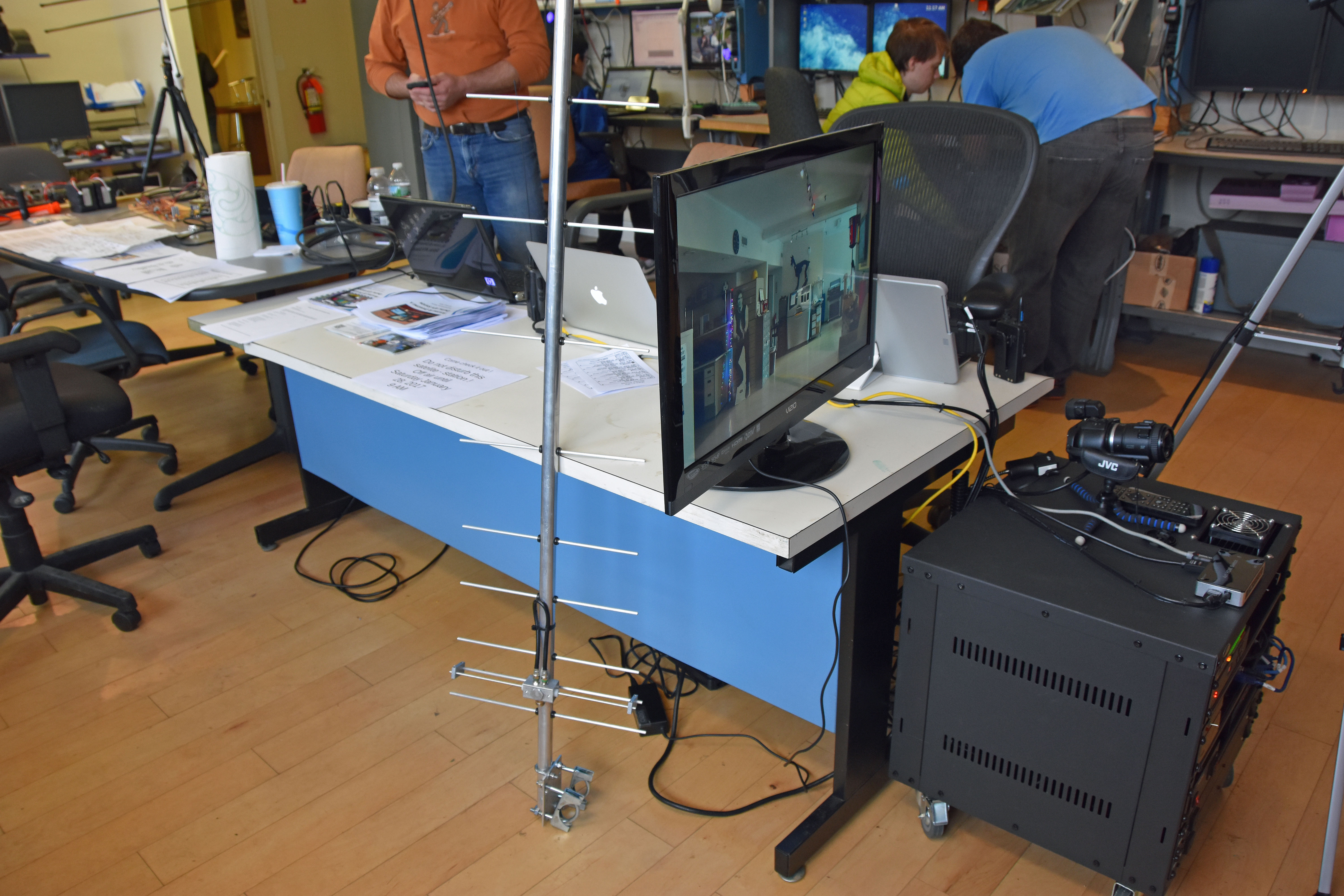
The highly publicized event — the event of the month — went off with a bang! On Jan. 28th, the Nashua Area Radio Club paid a visit to MakeIt Labs to promote Amateur Radio with maker folks. It’s a natural union if you think about. Technologists/scientists/engineers/self-taught DIY’sters and amateur radio folk are essentially one in the same beast. So why shouldn’t they be interested?

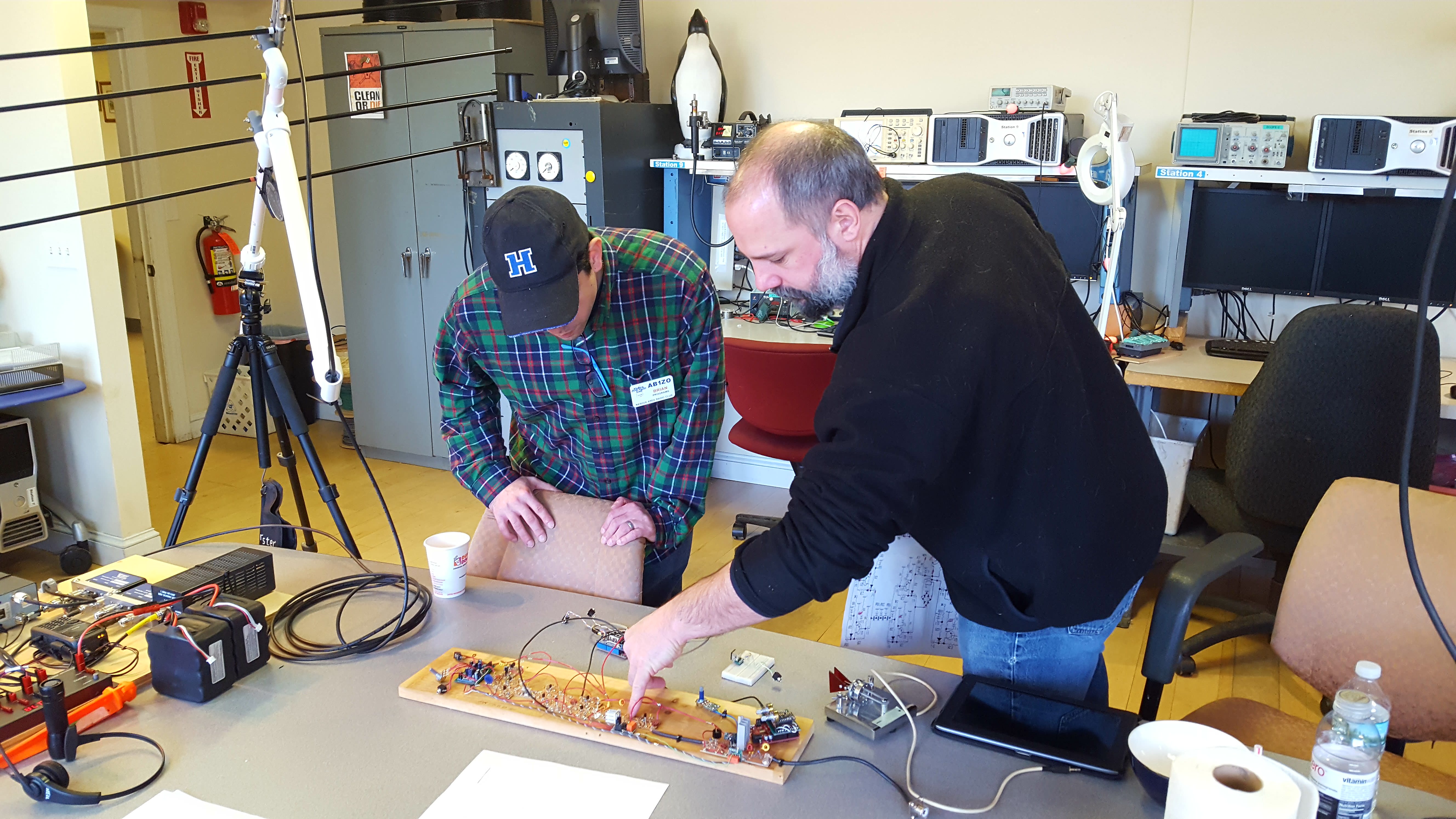
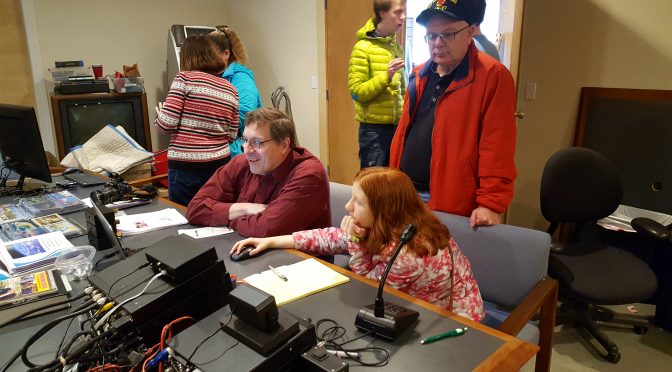
Brian (AB1ZO) and Mike (AB1YK) discussing details of Mike's home-brewed transceiver at MakeIt Labs
Brian (AB1ZO) and Mike (AB1YK) discussing details of Mike’s home-brewed transceiver

We had a super great turn out from many in the club and those external to the club or from MakeIt Labs itself. Representing the Nashua Area Radio Club, we had Fred (AB1OC), Anita (AB1QB), Jamey (KC1ENX), Abby (KC1FFX), Connor (KC1GGX), Brian (AB1ZO), Mike Struzik (AB1YK), Bill (W1TWO), Mike Ryan (K1WVO), Mike Rush (KU1V), and Tom (AB1NS) (Forgive me if I forgot you).

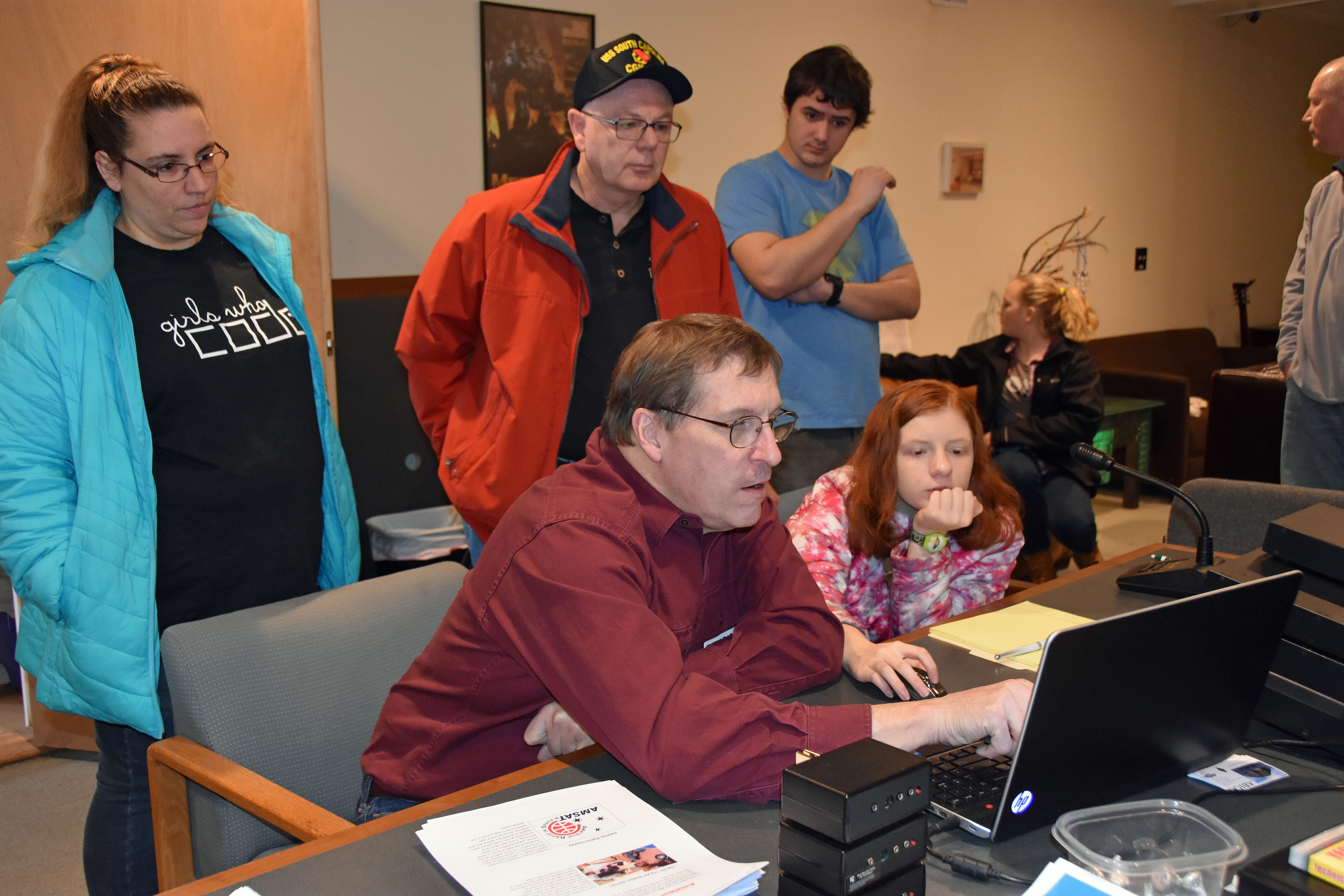
Fred (AB1OC) explaining the nuances of digital operation to a young, budding Ham at MakeIt Labs
Fred (AB1OC) explaining the nuances of digital operation to a young, budding HAM.

The idea was to set up the every-popular GOTA station, but also demonstrations of other amateur radio technology to hook the masses with. As a result, we had Fred’s digital amateur TV station, a tabletop satellite station, and Mike Struzik brought along his home-brewed BitX20 transceiver complete with plans, schematics, and a demo keyer. (Talk to Mike for further details/websites. He’s awesome about answering questions and exposing people to what they need to do to get started.)

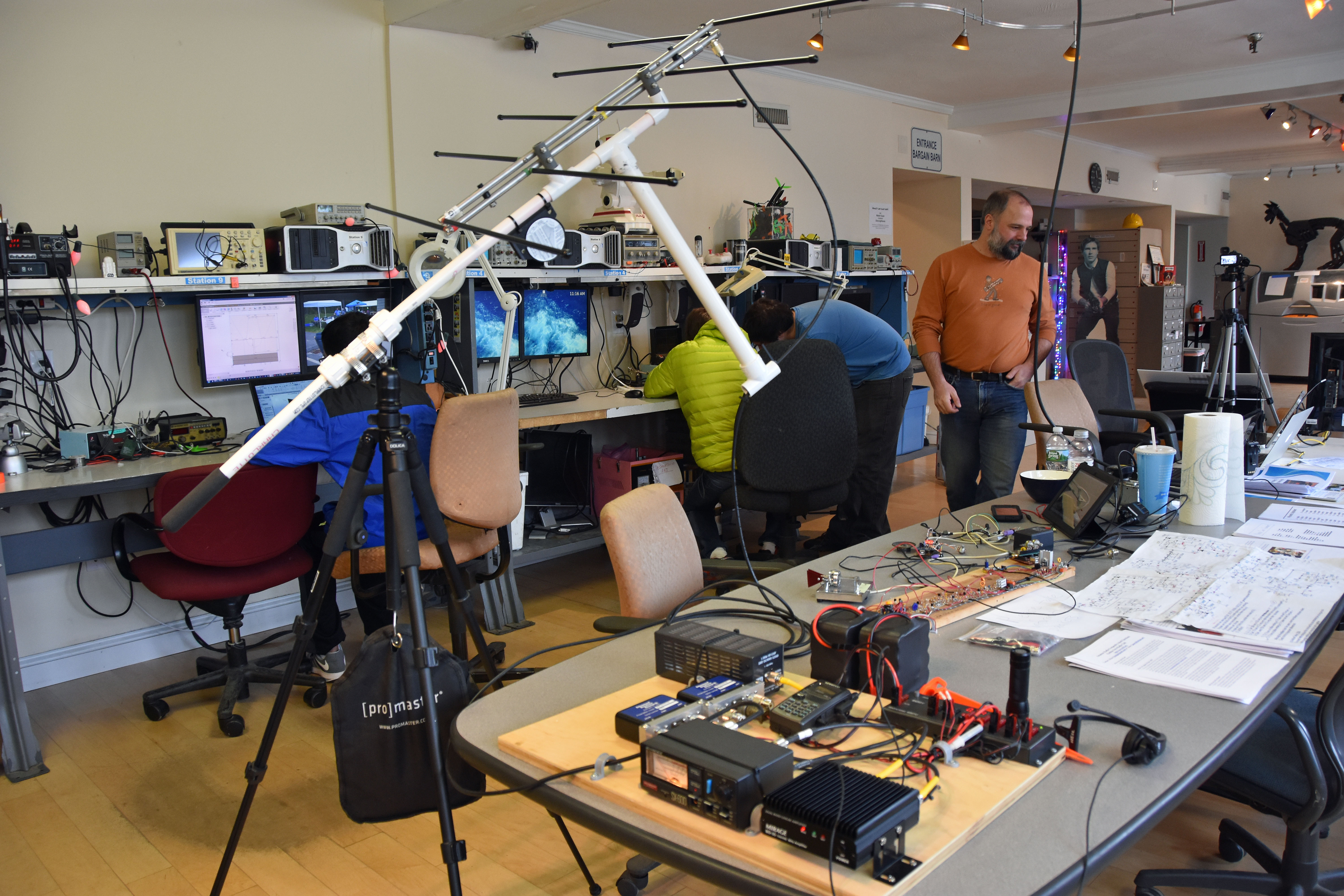
A view of the satellite station at MakeIt Labs
A view of the satellite station

We spent a solid 6-7 hours at the facility, even roping in some new interest from folks who happened to see our advertisements for the event both online and in stores/businesses around Nashua. It’s clear that word is spreading about the work that the Nashua Area Radio Club is trying to do; we are engendering interest slowly, but steadily. Essentially, the trend is upwards.

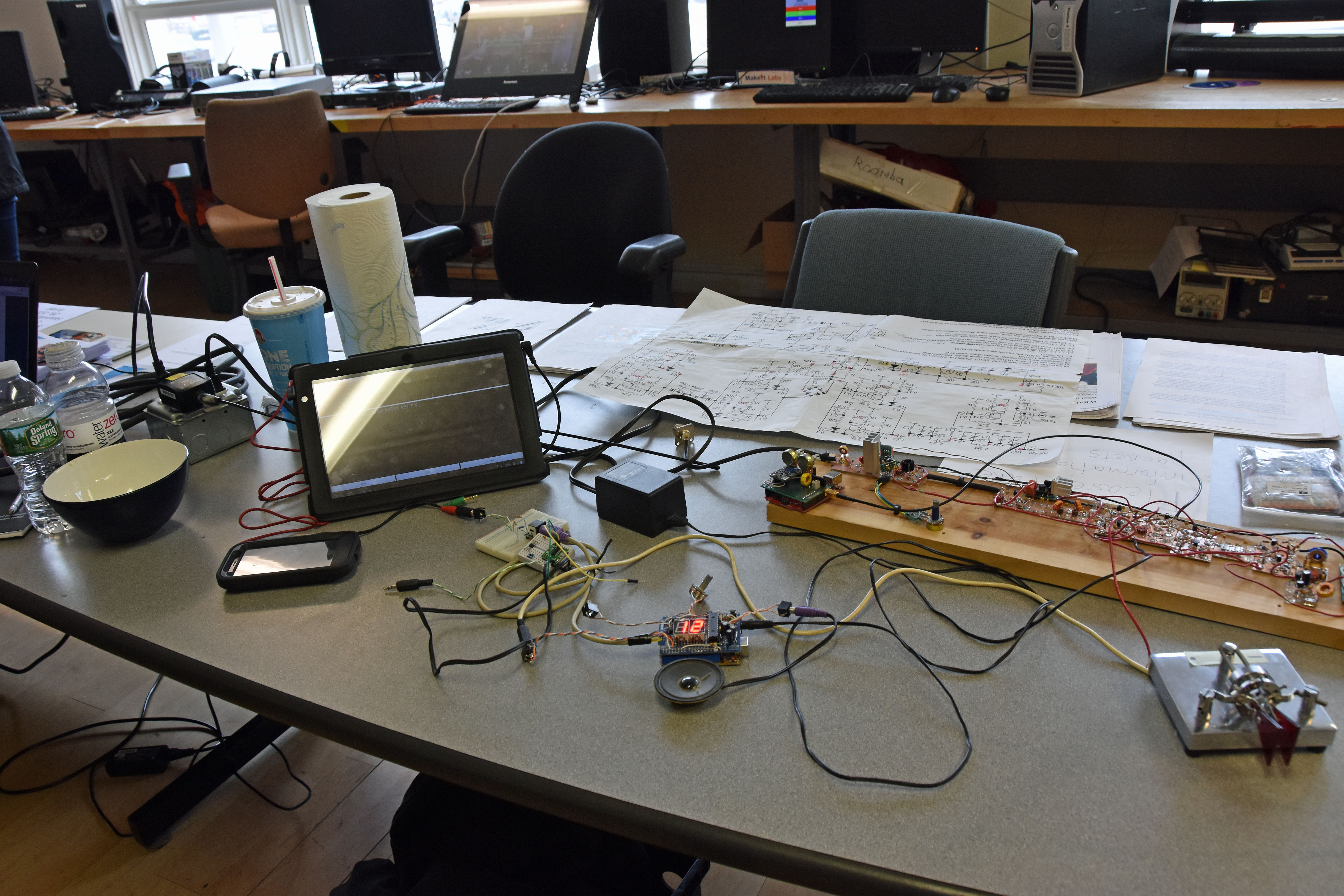
Close-up of Mike's (AB1YK) home-brewed BitX20 transceiver at MakeIt Labs
Close-up of Mike’s (AB1YK) home-brewed BitX20 transceiver

We hope that down the road, we can enjoy a lasting partnership with MakeIt Labs and encourage more members of our club to drop in, see the facility, hang-out for a bit, and explain to new folks about how this hobby is damn close to one of the best hobbies out there!

Fred's (AB1OC) DATV station at MakeIt Labs
Fred’s (AB1OC) DATV station

So, until next time, and until my next posting (and hopefully that one will be a bit witty’er — didn’t have enough coffee today), make sure you eat, sleep, “repeat”! (That’s what my t-shirt says that my wife bought me)

Brian, AB1ZO

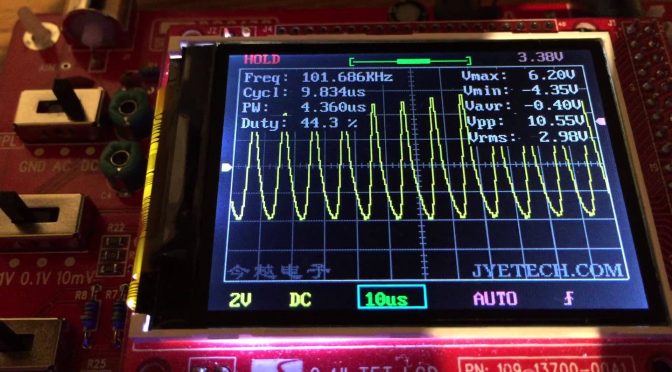
Feb 18 DSO138 Kit Building Tips

Hi DSO138 kit builders,

I wanted to share some tips to follow for our 18 Feb Kit Build from 1-4pm. As I already built my own kit, I wanted to share some advice.
I know not all of you can attend, but for those of you who can, please read below. I’ll also post on the website along with some pics.
  1. Make sure you bring a magnifying glass AND a multimeter. Also, might help to bring an LC meter too (though I didn’t have one at the time) The color bands on the resistors are particularly impossible to see, so I had to measure the resistance of every one. I even did it 2-3 times to make sure I was right.
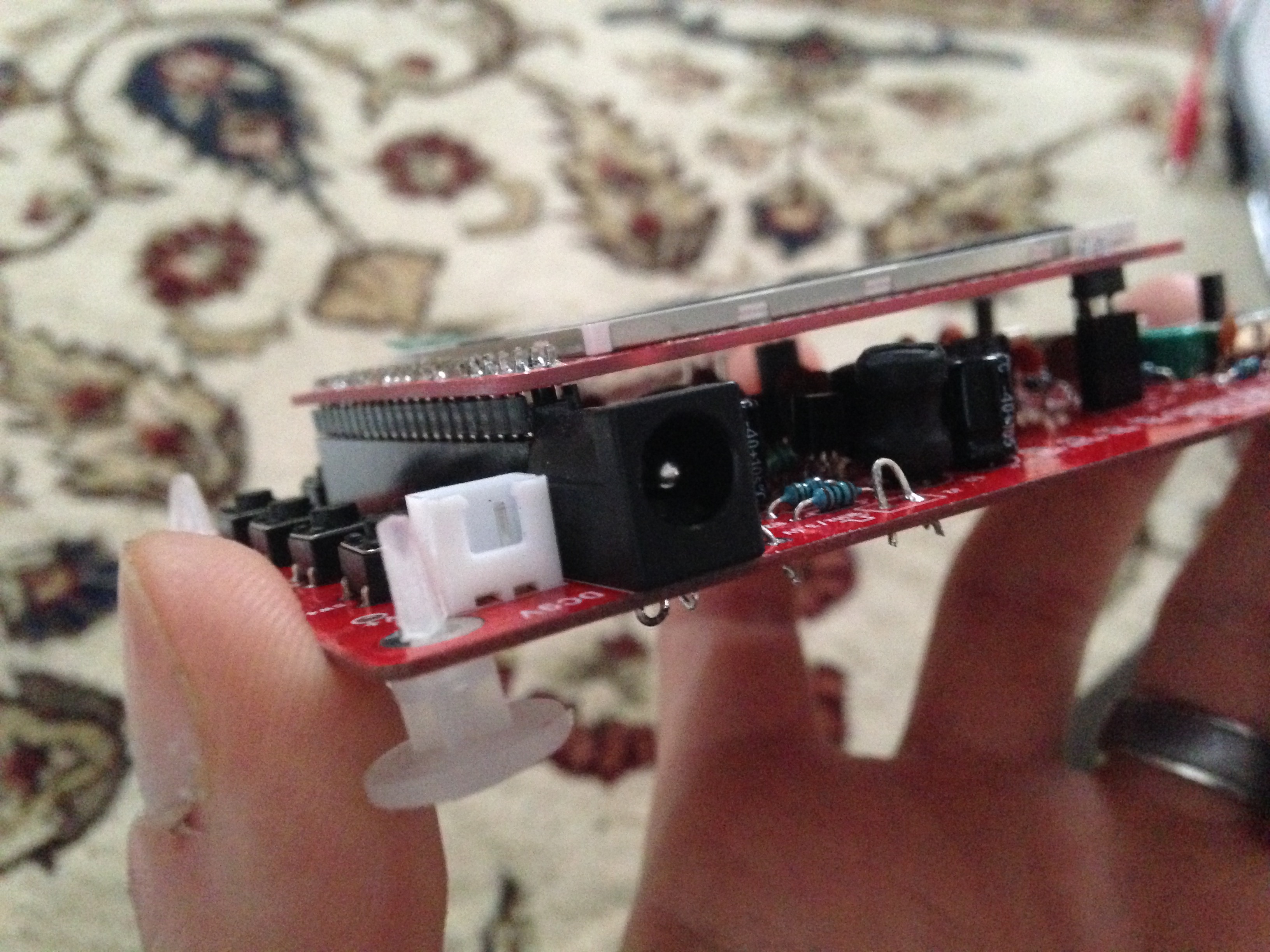
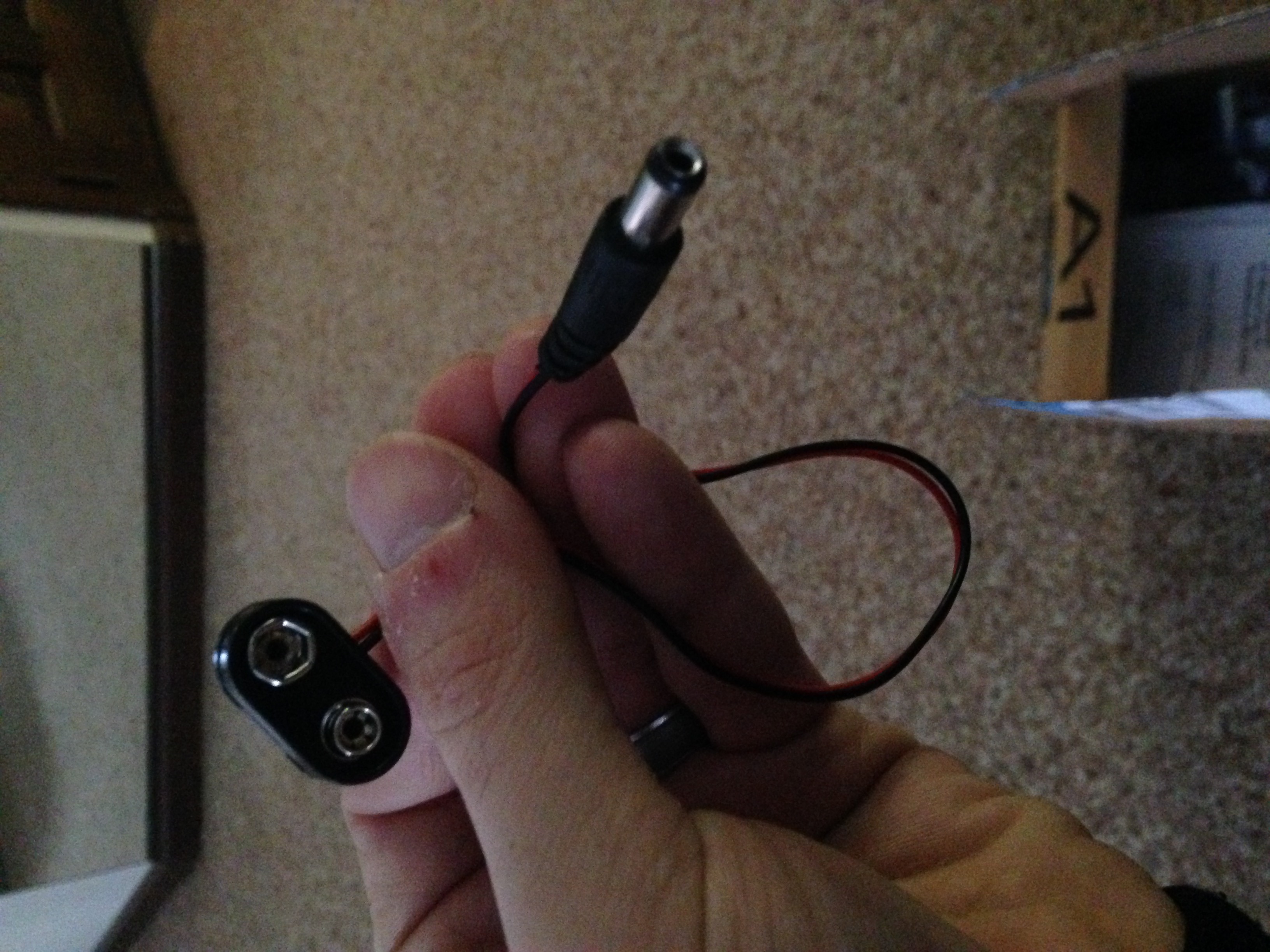
  2. To test your kit at the end of the night, you need to supply it with power. You can do this 2 different ways. The first is bringing a 9V battery along with 9V battery leads terminating at the end of a female port as shown below. The second is grabbing a power adapter rated for no higher than 12 V again terminating on a female port with pic shown below.
  3. You might want to bring a small Phillips head screwdriver (for eye glasses) in order to perform probe calibration.
  4. If you want, bring your laptop so you can download some signal generators (using your sound card) in order to play with the oscilloscope. In order to do this, I ended up using a BNC to an audio adapter which I purchased off of Amazon Prime. I’ll bring mine in case you don’t have one
  5. If you have a standalone signal generator, please bring it, along with BNC wire connections for the o-scope.
DSO138 kit power supply port
DSO138 power supply port
9V battery adapter
9V battery adapter
12V power supply (stolen from a Linksys router) with port (top-middle)

In order to do some testing, we are going to want to use either signal generators that club members graciously bring in, or you can use your laptop’s sound card. To that end, Mike (K1WVO) suggested a really nice link to do this.

I’ve tested most of these and they work fine on my scope.

If I have any other thoughts, I will update this post.

Thanks and 73,

Brian, AB1ZO

Radio Amateurs Developing Skills Worldwide