All posts by Fred Kemmerer

I enjoy station building, contesting and helping new folks to join and have fun with our hobby.

Tower Climbing Demo and Open House at AB1OC/AB1QB

Several folks have suggested that it would be interesting to see a tower climbing demonstration. It turns out that we need to climb our tower to do some routine maintenance before winter comes. This seems like a good opportunity for folks who are interested in learning how to climb a tower and work on it safely.

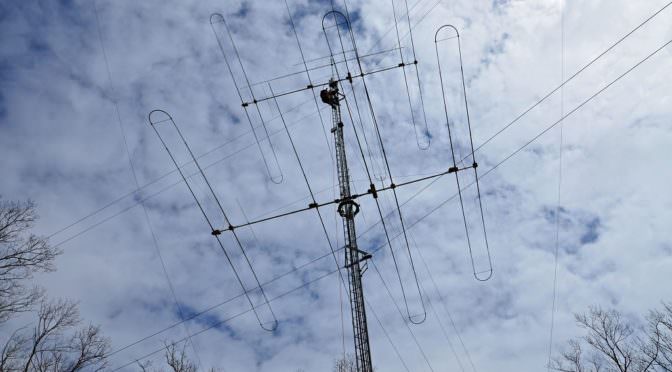
A View From Our Tower
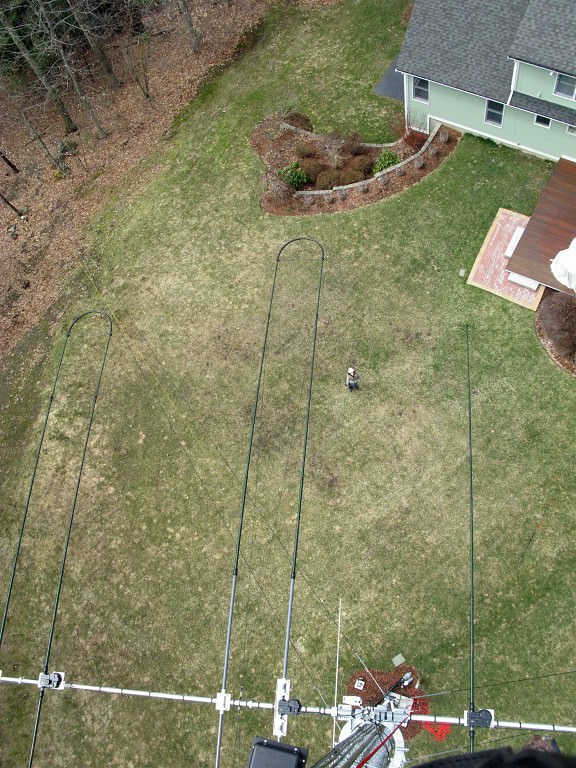
A View From Our Tower as Anita, AB1QB Looks On

Ever wonder what’s involved in safely climbing and working on an Amateur Radio tower? Here’s your chance. On Sunday, October 15th at 1 pm we will be holding an open house and tower climbing demonstration at our station.

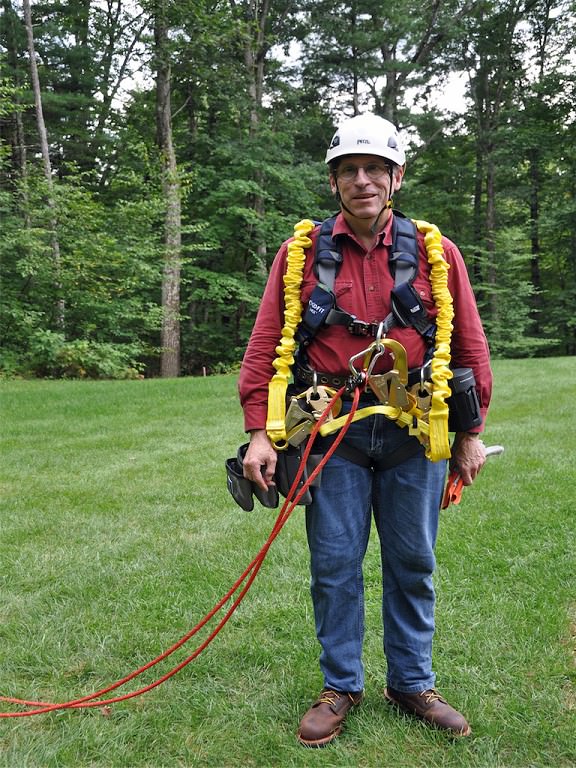
Climbing Safety Gear

We have two sets of climbing safety gear and we’ll provide the opportunity for those who want to try it on to do so. I am going to climb our tower to the 45-foot level to do some maintenance on our weather station. Anita and I will be explaining how to safely climb and work on an Amateur Radio tower.

Invitation to Operate Our Station

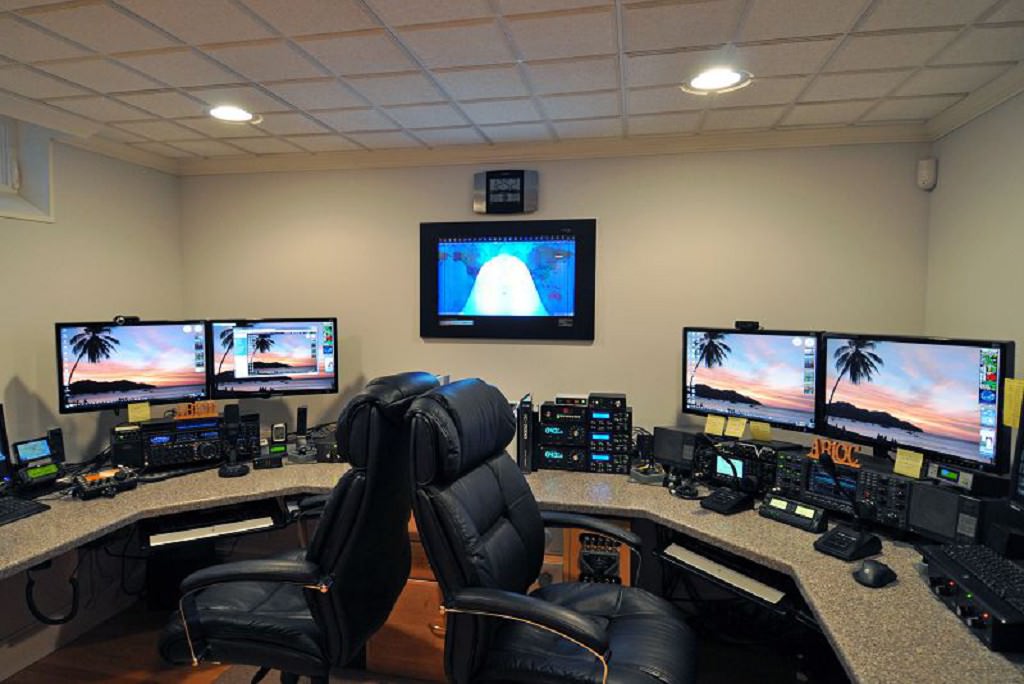
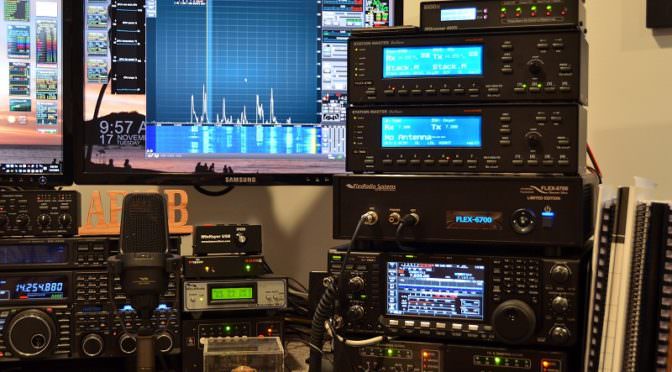
AB1OC-AB1QB Shack
AB1OC-AB1QB Shack

We will also provide an opportunity for folks to get on the air at our station and make some contacts as part of our open house. Our station will be configured for you to try SSB Phone, CW, and digital modes including the new FT8 mode. You can try any or all of these modes. We’ll be QRV on all bands from 160m – 70 cm. Power levels will be from QRP up to the legal limit.

We hope that our club members and friends will join us for our open house. It should be fun!

Fred, AB1OC

Icom IC-7300 Display Using N1MM Logger Plus

Icom IC-7300 Display with N1MM Logger Plus: As I get ready to write this I have my N1MM Logger Plus already setup to use in the VOLTA RTTY Contest this weekend.

Source: Icom 7300 N1MM Logger Plus Setup – K0PIR Icom 7300 SDR

Looks like its possible to use N1MM to provide a larger view of the Icom IC-7300 display. It would be great if there were also a standalone application that would do this.

The following video provides a demonstration along with some information on how to set up the radio and the N1MM+ software/


Here’s some more detailed information showing how to set up N1MM+ and the IC-7300 to provide the enhanced panadapter display.

The New IC-7610 Direct-Sampling SDR HF/6m Transceiver

Icom IC-7610 Display Screen

Source: The new IC-7610 Direct-Sampling SDR HF/6m Transceiver

The new IC-7610 Transceiver is the much-anticipated dual-receive version which uses Icom’s SDR platform that was first available in the IC-7300. The source page has some useful photos and a block diagram of the receiver.

The addition of Icom’s Digitial Preselector functionality is a welcome enhancement over the IC-7300. The Digi-Selector should be useful in multi-radio and other high-interference environments.

Icom IC-7610 External Display

The new radio will also have a connection to an external display. This is a great addition as it makes the excellent panadapter capability in Icom’s SDR platform much easier to view and use.

Icom IC-7160 Rear Panel

The rear panel includes connectors for two antennas. There are BNC jacks for connection of a separate receive antenna and/or a Transverter.  Also included is an Ethernet interface for remote control and USB interfaces for connection to a local computer.

You can see more about this new Transceiver on Icom’s page.

Radio Amateurs Developing Skills Worldwide